1.
The switch uses 100-240V, 50/60Hz AC, and make sure that both power supply and grounding
are normal before power on.
2.
After power on, please check the switch's power indicator (Power) is on, and if so, it indicates that
the power supply is connected properly.
3.
Do not place heavy objects on the top of the switch.
3. Logging on to the equipment
1.
Connect the RJ-45 interface cable of a switch with a computer using a network cable.
2.
Set the TCP/IP properties of the computer, see the Appendix: Setting up your computer.
3.
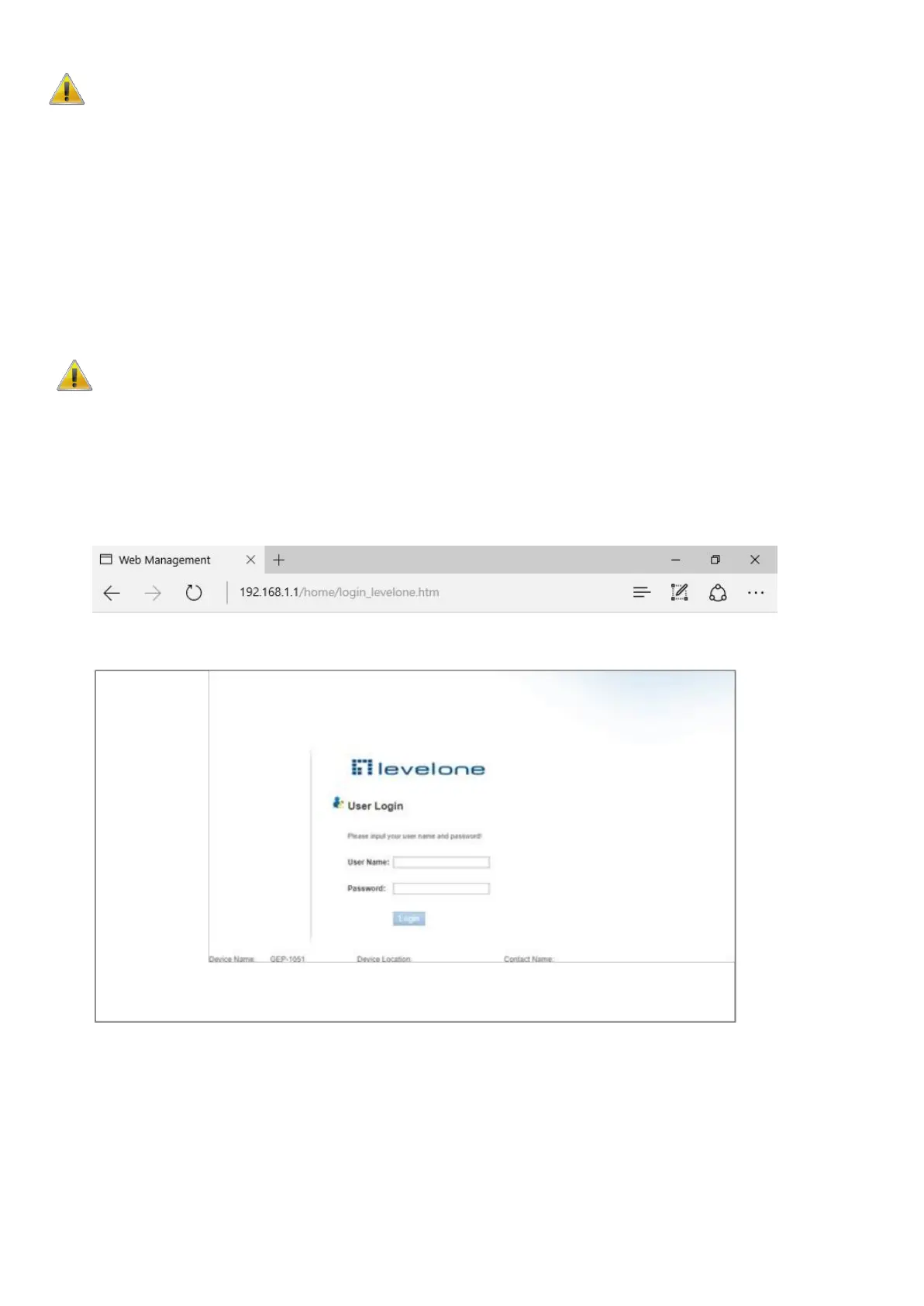
Logging on to the equipment: Open a browser and type 192.168.1.1 in the address bar, and then
press Enter; in the pop-up login interface, enter the factory logon username "admin", password
"admin" and click OK.
Appendix: Setting up your computer
■ Windows
1.
Click Start→ Control Panel→ Network and Internet→ Network and Sharing Center→ Change
adapter settings, right click Local connection and select Properties;















 To Next Page