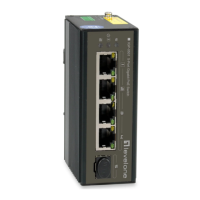
Auto MDI/MDI-X Ports:
All ports support automatic MDI/MDI-X crossover detection. The AutoMDI/MDI-X
function makes it simple to connect to the switch—just plug either a Crossover or
Straight-Through CAT5 cable into any port.
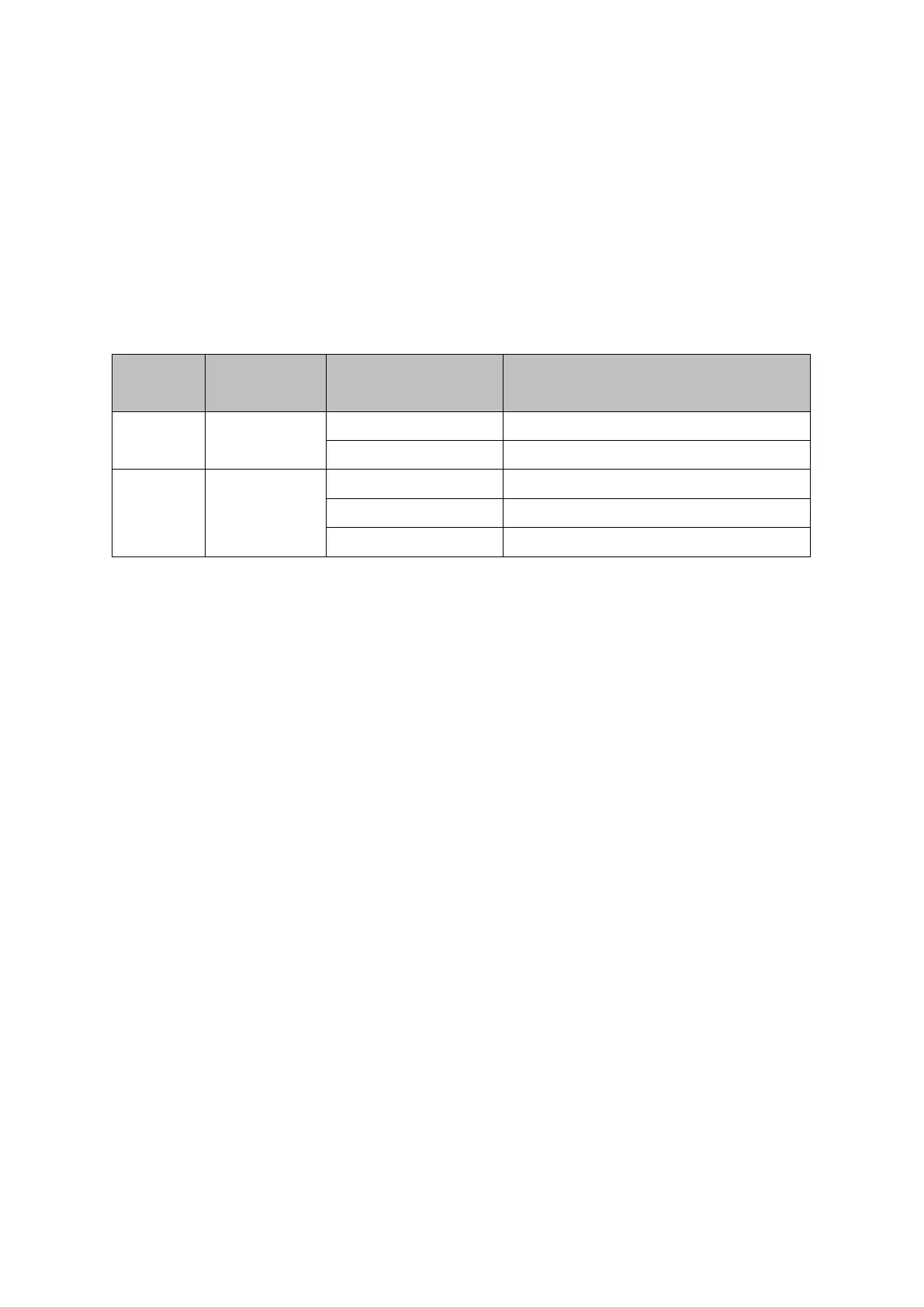
1.3.2 LED Indicators
Table 1-3 Gigabit Ethernet Switch LED Indicators
2. CONNECTING THE SWITCH
2.1 Package Contents
Open the shipping carton of the Switch and carefully unpack its contents.
The carton should contain the following items:
One 8 Port 10/100/1000BASE-T Gigabit Ethernet Switch
Power Adapter
CD-ROM with Manual and QIG
Quick Installation Guide
If any item is found missing or damaged, please contact your local reseller for replacement.
2.2 Before You Connect to the Network
The site where you install the Switch may greatly affect its performance. Please follow
these guidelines for setting up the Switch.
Install the Switch on a sturdy, level surface that can support at least 3 kg (6.6 lbs) of
weight. Do not place heavy objects on the Switch.
The power outlet should be within 1.82 meters (6 feet) of the Switch.
Visually inspect the power cord and see that it is fully secured to the AC power port.



 To Next Page