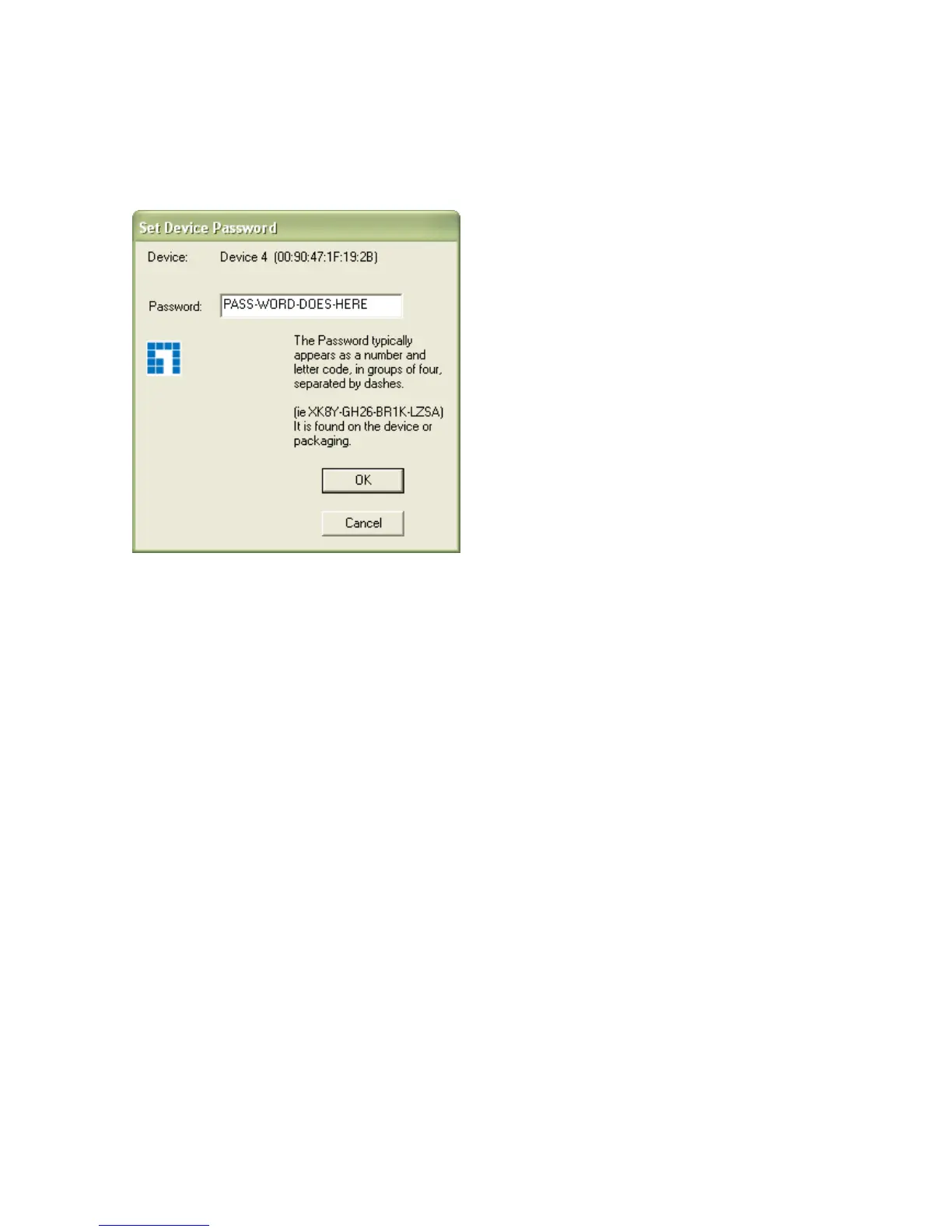
Add button is used to add a remote device to the existing network by entering the device
password of the device. A dialog box will appear as shown below in Figure 3-4. The dialog box
allows the user to enter both a device name and the password. If a device was not found, the
user will be notified and suggestions to resolve common problems will be presented.
Figure 3-4: Add Remote Device
Note: The device must be present on the power line (plugged in) in order for the password to be
confirmed and added to the network. If the device could not be located, a warning message will
be shown.














 To Next Page