2.2 Installation of Powerline Utility
The Configuration Utility enables the users to identify HomePlug devices on the Powerline
network; measures data rate performance, ensures privacy and performs diagnostics by setting
user defined secure Powerline networks.
Users are requested to verify that no other Encryption Management Utilities are installed prior to
the installation of this utility. Other utilities should be uninstalled before installing this utility.
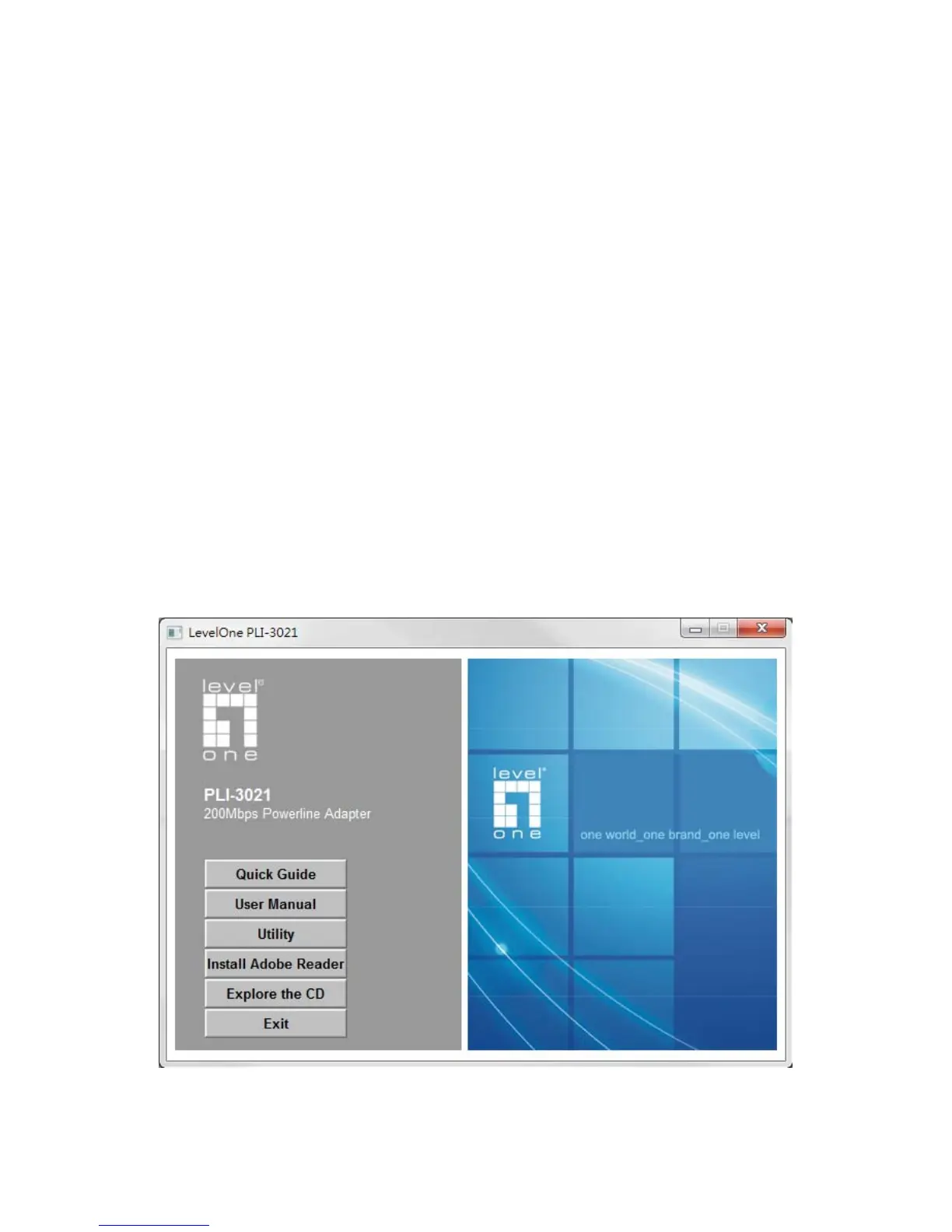
1. In order to install, insert Configuration Utility CD-ROM into the computer’s CD-ROM drive.
The program shall run automatically. Alternatively this can also be done manually by double
clicking the autorun.exe file on the CD.
2. For Windows 7 / Vista User only, for Security reasons Windows 7 / Vista requires the
installer program to have administrator privileges so the new policy called " User Account
Control " has been introduced in Windows 7 / Vista. If UAC is enabled Windows pops up a
window " User Account Control " Windows need your permission to continue. User needs
to click " Yes / Allow " to continue.
3. Please click “ Utility” button to continue.














 To Next Page