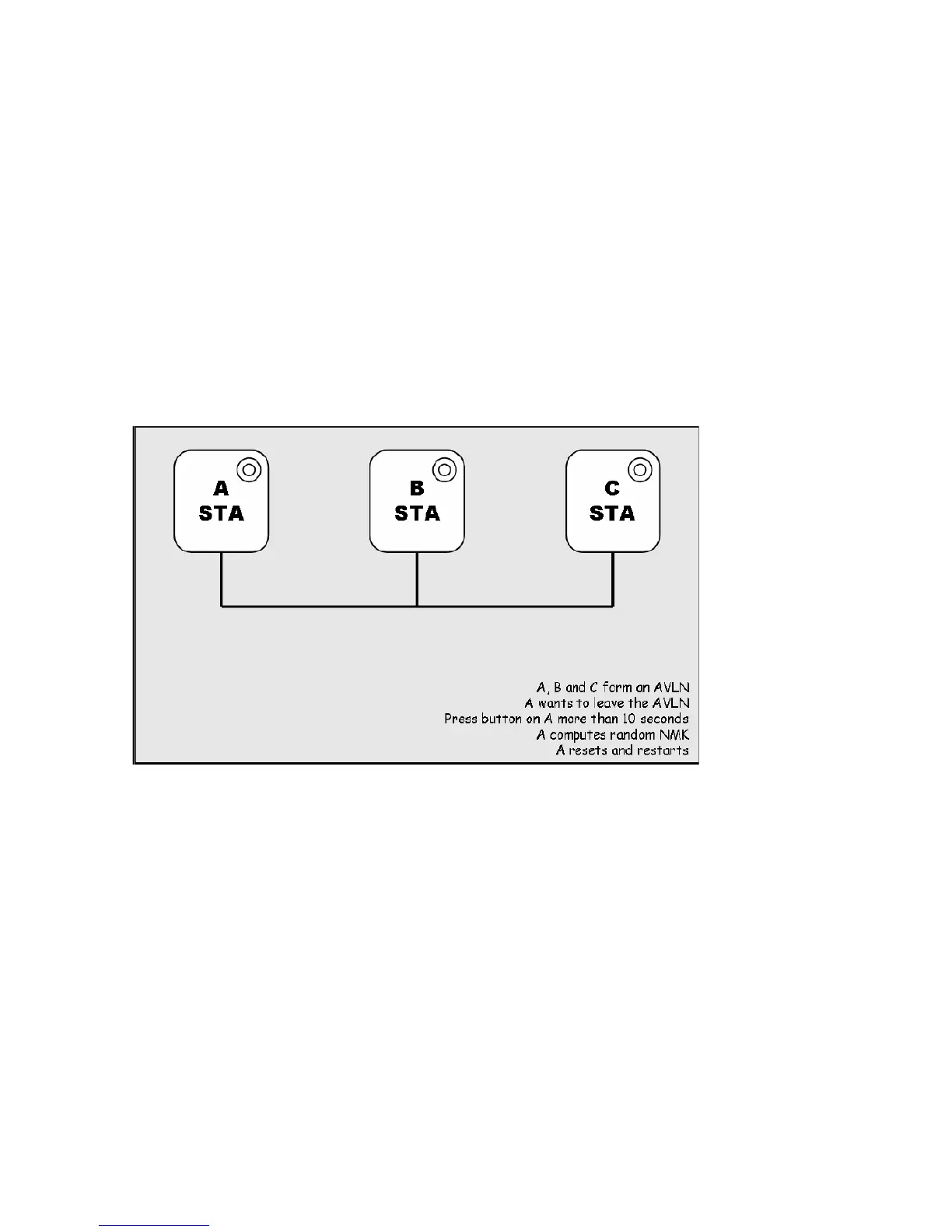
Case 3: Leaving a Network
A network exists. The user wants to remove one device, the ‘leaver’, from that network, for
whatever reason. He may want to remove the device from service altogether or have it join
another logical network.
1. Press the Network ID button on the ‘leaver’ for at least 10 seconds. The device will reset and
restart with a random NMK.
2. Wait for reset to complete and the PLC LED will be OFF.
The PWR LED on the ‘leaver’ will momentarily extinguish during reset, flash during restart then
illuminate steadily. No errors can occur.
Once the process completes, the user may disconnect the device from the medium or join it to
another logical network on the same medium, as described in either Case 1 or Case 3.














 To Next Page