4
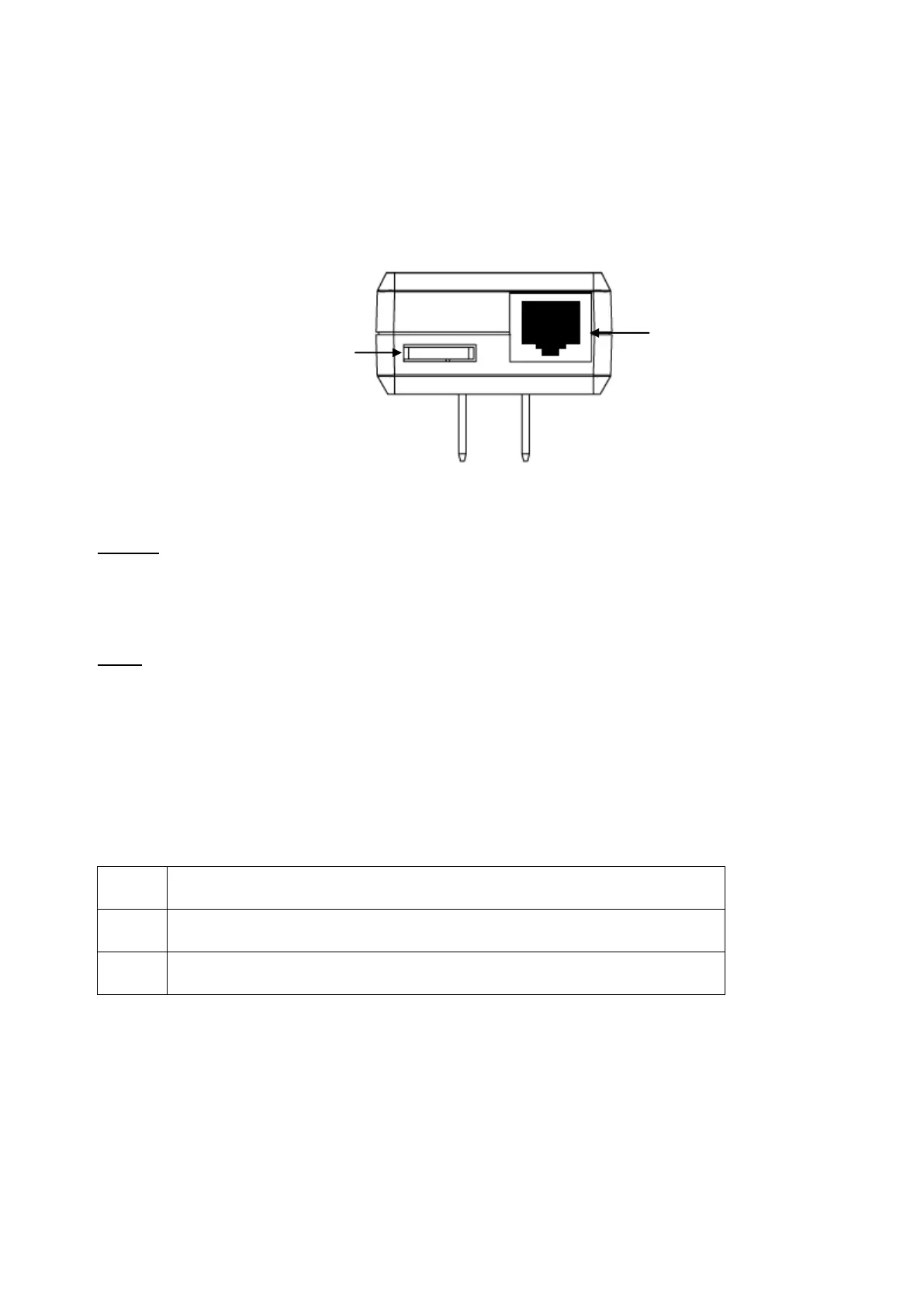
Bottom Casing
The bottom casing contains a recessed Reset Button, a Security Button, and an Ethernet
Port.
Buttons
Security / Reset Button
This button has dual functions : Security and Reset
Security
This function is designed to generate an individual HomePlug AV network group under multiple
nodes environment. Please refer to the optional Individual HomePlug AV Network Setup
section below for more details.
Reset
This function is used to clear ALL data and restore ALL settings to the factory default values.
Note: The HomePlug AV Ethernet Bridge must be plugged in to restore it to factory defaults.
Hold the Reset button until the status lights begin to flash.
LED Indicators
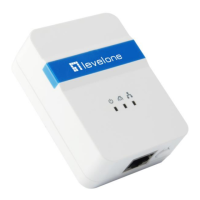
The Powerline Ethernet Adaptor has three LEDs indicator:
PWR
Turn on when connected to AC power supply.
PL
Turn on when detected and connected with another HomePlug adaptor
within the network.
ETH
Turn on
when connected to the Ethernet card of the computer or
Ethernet Hub / Switch.
Ethernet Port
Security / Reset Button














 To Next Page