Access WMI (Web Management Interface) Login Pages
Step 1: IP Segment Setup for Administrator PC
Set a static IP address on the same subnet mask as WAB-3003 in TCP/IP of the administrator PC,
such as the following example. Do not duplicate the IP address used here with the IP address of
WAB-3003 or any other devices within the same network. ( Default Mode needed.)
>> Example of IP Segment:
The valid range of IP address is 1 ~ 254. However, 1 must be avoided as it is already used by
WAB-3003. Below depicts an example of using 100 (the underlined value can be changed as
desired).
IP Address: 192.168.0.100
Subnet Mask: 255.255.255.0
Step 2: Launch Web Browser
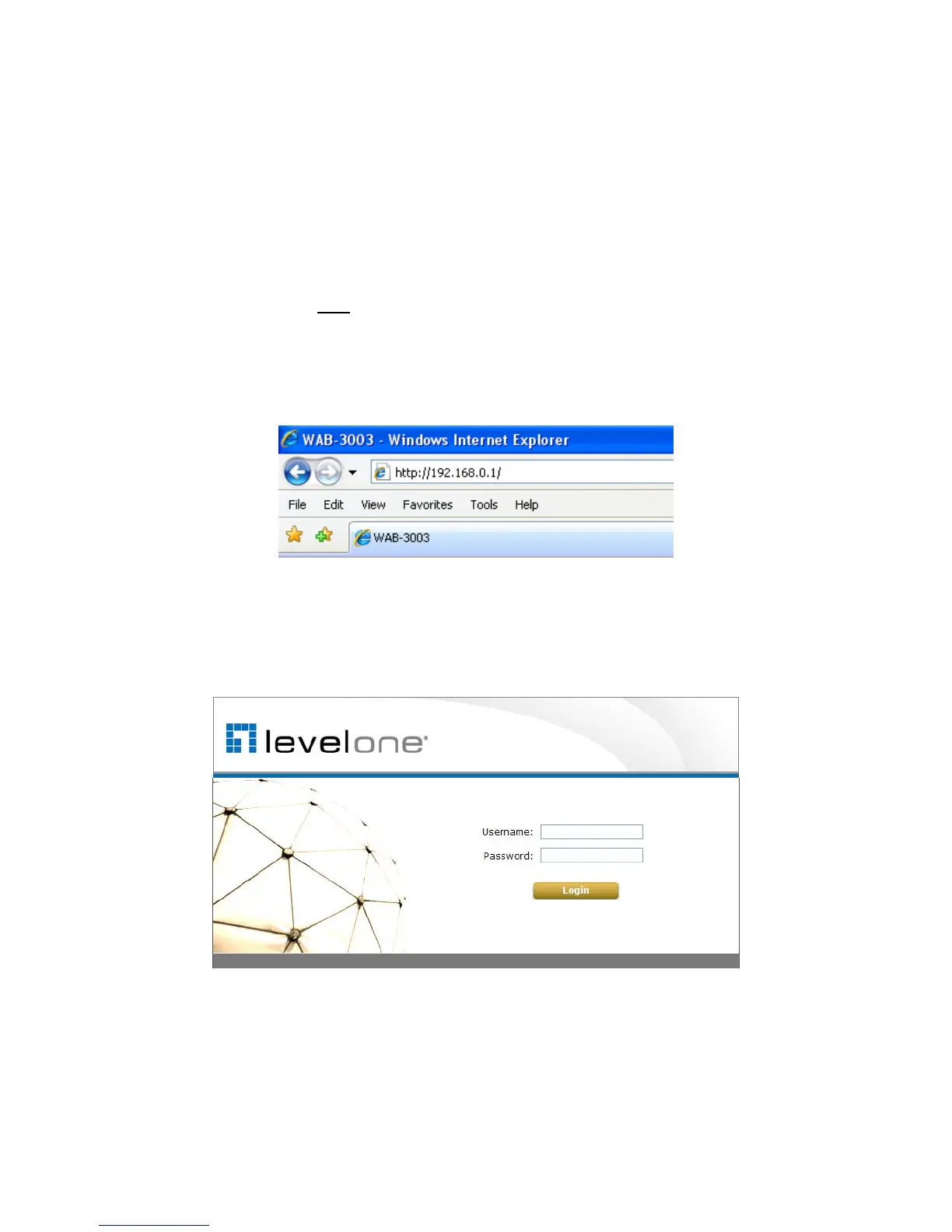
Launch a web browser to access the web management interface by entering the default IP address,
http://192.168.0.1/, in the URL field, and then press Enter.
Step 3: System Login
The system manager Login Page will then appear.
Enter “root” in the User name field and “admin” in the Password field, and then click Login to log
in.
5















 To Next Page