12
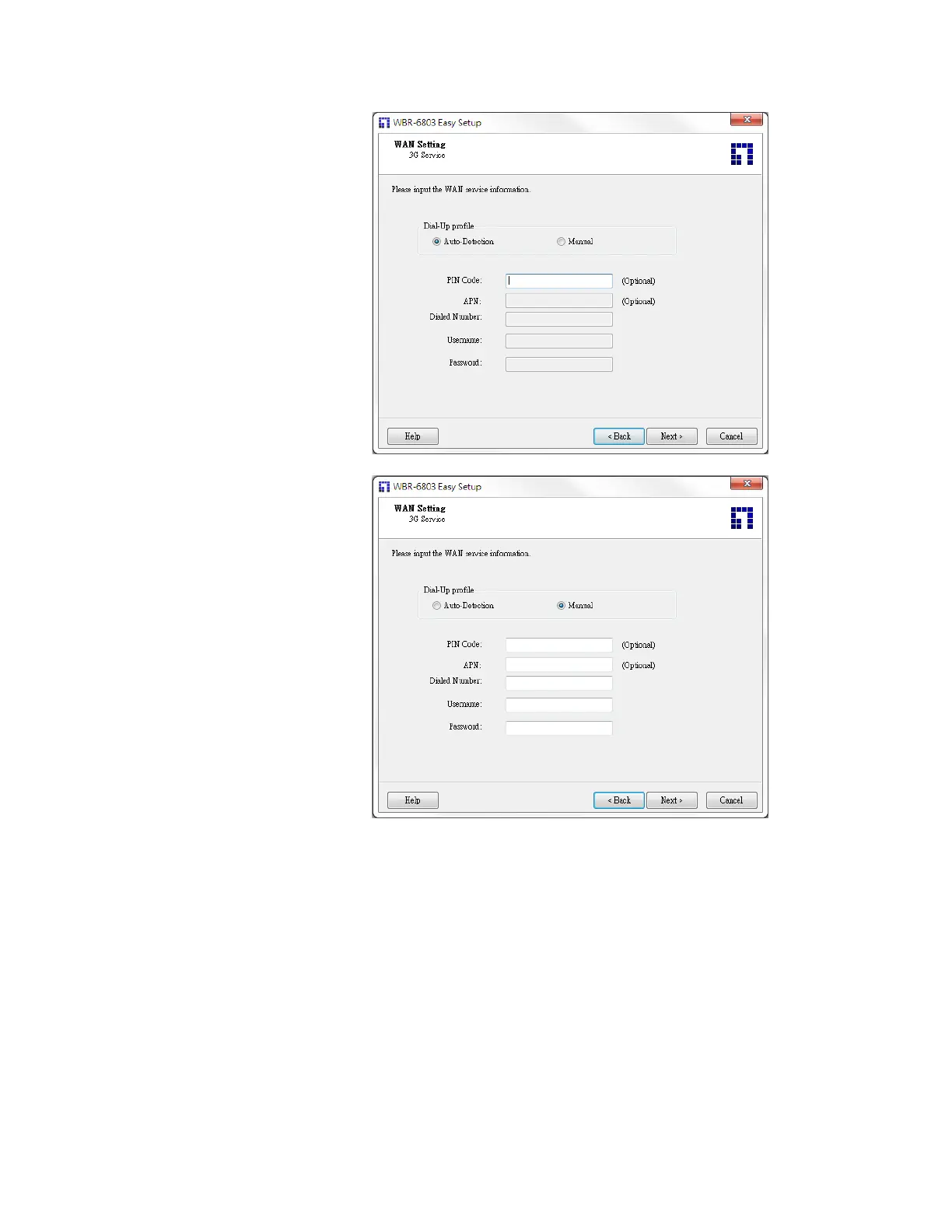
Select “Auto-Detection”, and
the Utility will try to detect and
configure the required 3G
service settings automatically.
Click “Next” to continue.
Or you can select “Manual”
and manually fill in the
required 3G service settings
provided by your ISP.
Click “Next” to continue.














 To Next Page