50
3.4.6 System Time
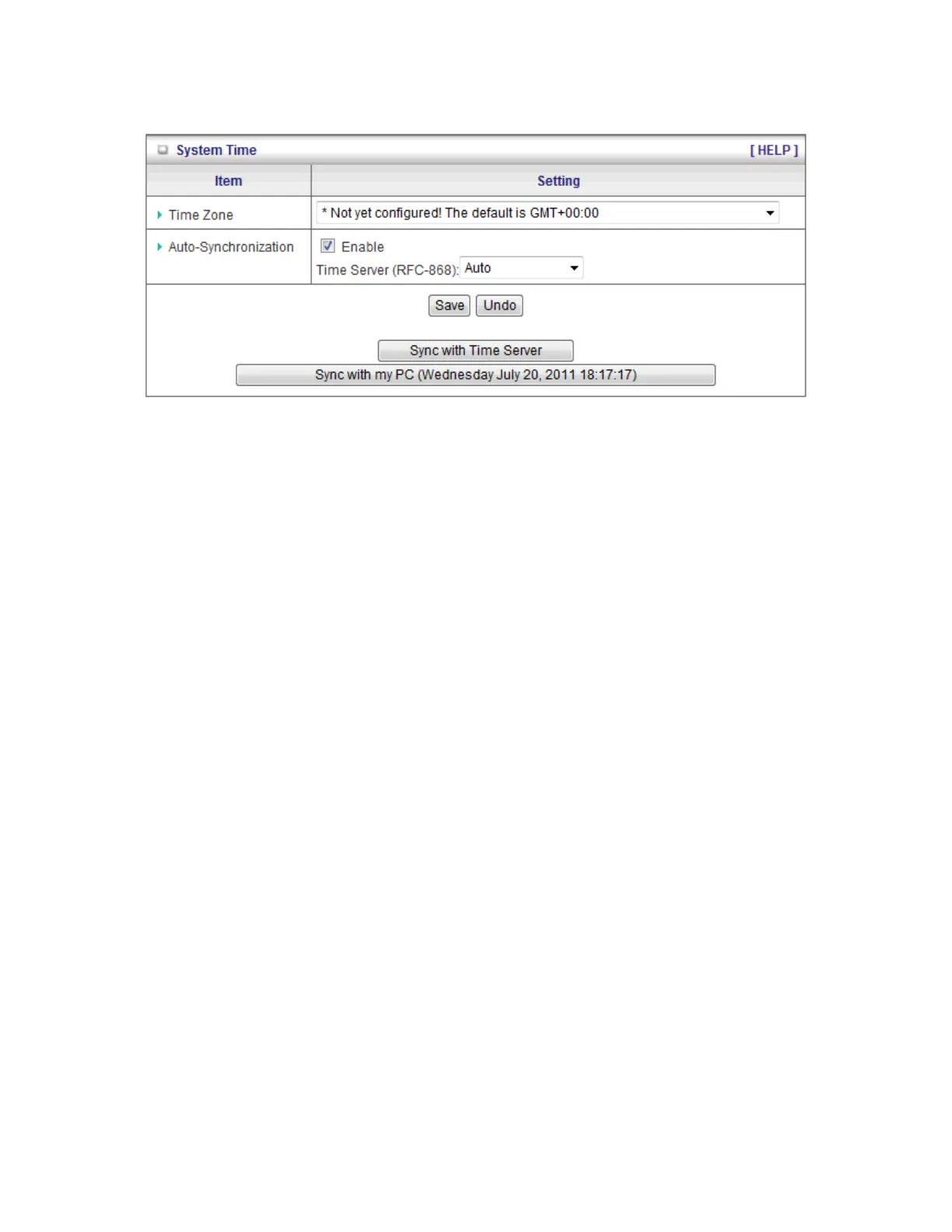
1. Time Zone: Select a time zone where this device locates.
2. Auto-Synchronization: Check the “Enable” checkbox to enable this function. Besides,
you can select a NTP time server to consult UTC time.
3. Sync with Time Server: Click on the button if you want to set Date and Time by NTP
Protocol manually.
4. Sync with my PC: Click on the button if you want to set Date and Time using PC’s Date
and Time manually.
.
Click on “Save” to store your settings or click “Undo” to give up the changes.














 To Next Page