18
Chapter 3 Making Configuration
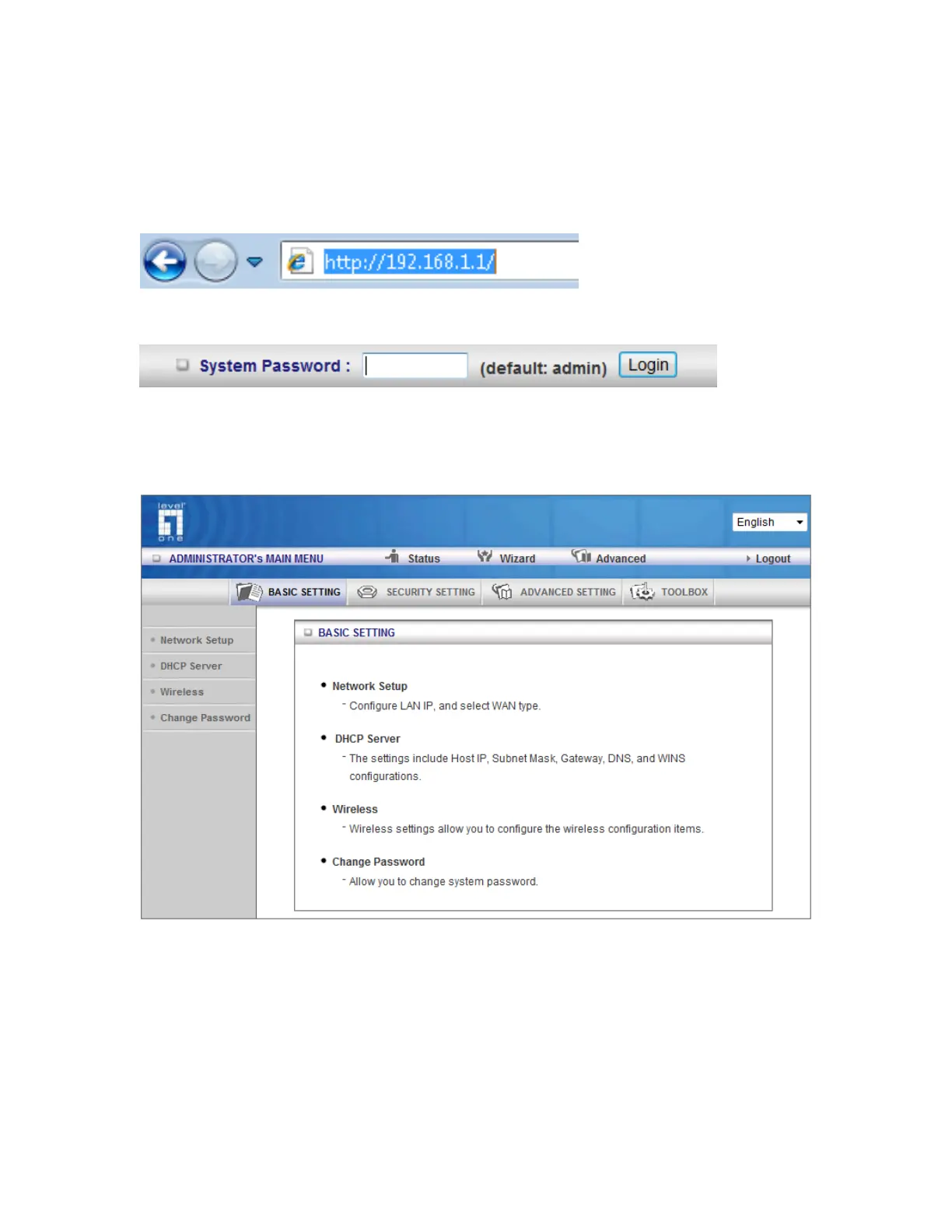
Whenever you want to configure your network or this device, you can access the Configuration
Menu by opening the web-browser and typing in the IP Address of the device. The default IP
Address is: 192.168.1.1
Enter the default password “admin” in the System Password and then click ‘login’ button.
Then, you can browse the “Advanced” configuration pages for configuring this device.
3.1 Basic Setting














 To Next Page