51
3.4.7 Scheduling
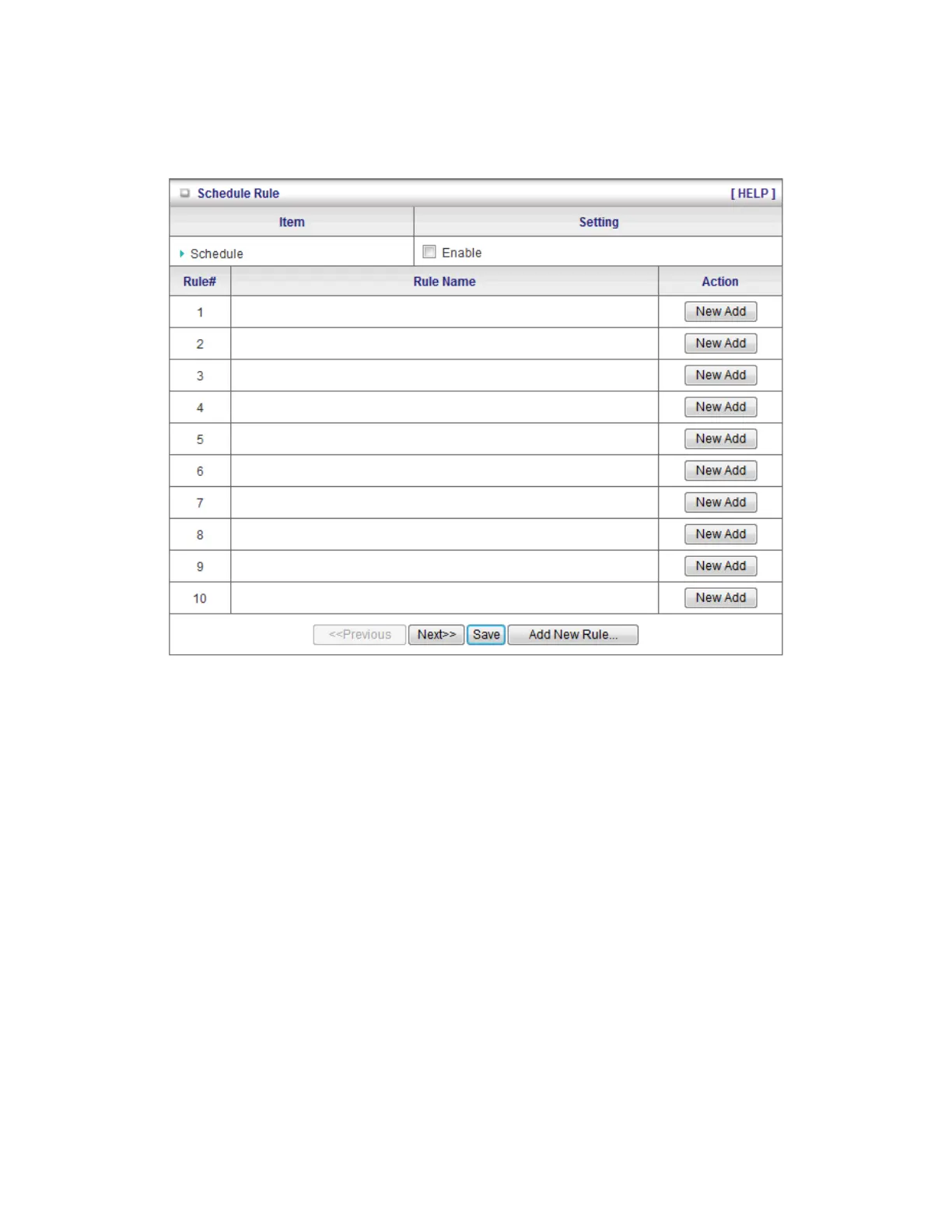
You can set the schedule time to decide which service will be turned on or off.
1. Schedule: Check to enable the schedule rule settings.
2. Add New Rule: To create a schedule rule, click the “Add New Rule” button. You can edit
the Name of Rule, Policy, and set the schedule time (Week day, Start Time, and End
Time). The following example configures “ftp time” as everyday 14:10 to 16:20.














 To Next Page