41
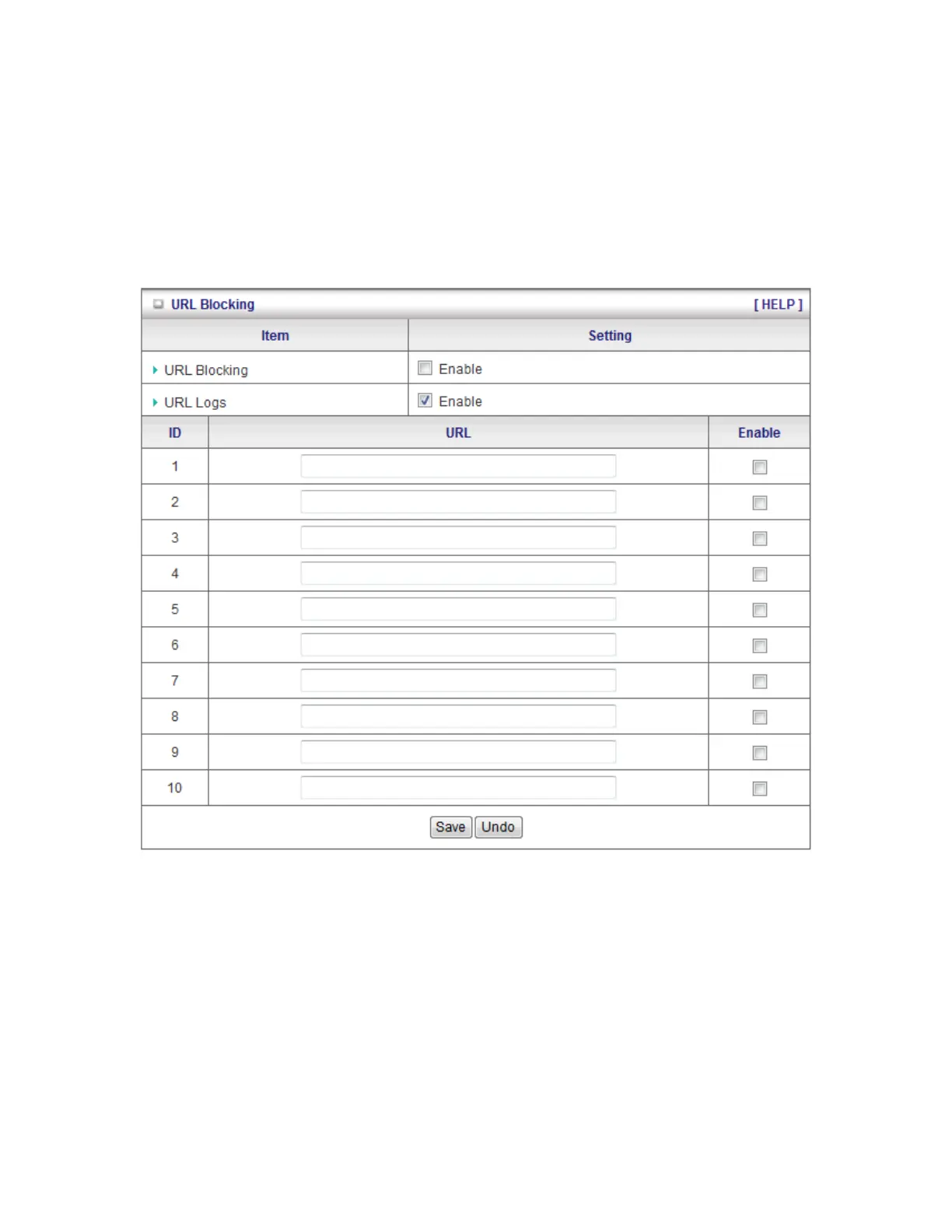
3.3.3 URL Blocking
URL Blocking will block LAN computers to connect with pre-define Websites. The major
difference between “Domain filter” and “URL Blocking” is Domain filter require user to input
suffix (like .com or .org, etc), while URL Blocking require user to input a keyword only. In other
words, Domain filter can block specific website, while URL Blocking can block hundreds of
websites by simply a keyword.
1. URL Blocking: Check if you want to enable URL Blocking.
2. URL: If any part of the Website's URL matches the pre-defined word, the connection will
be blocked.
For example, you can use pre-defined word "sex" to block all websites if their URLs
contain pre-defined word "sex".
3. Enable: Check to enable each rule.
Click on “Save” to store your settings or click “Undo” to give up the changes.














 To Next Page