46
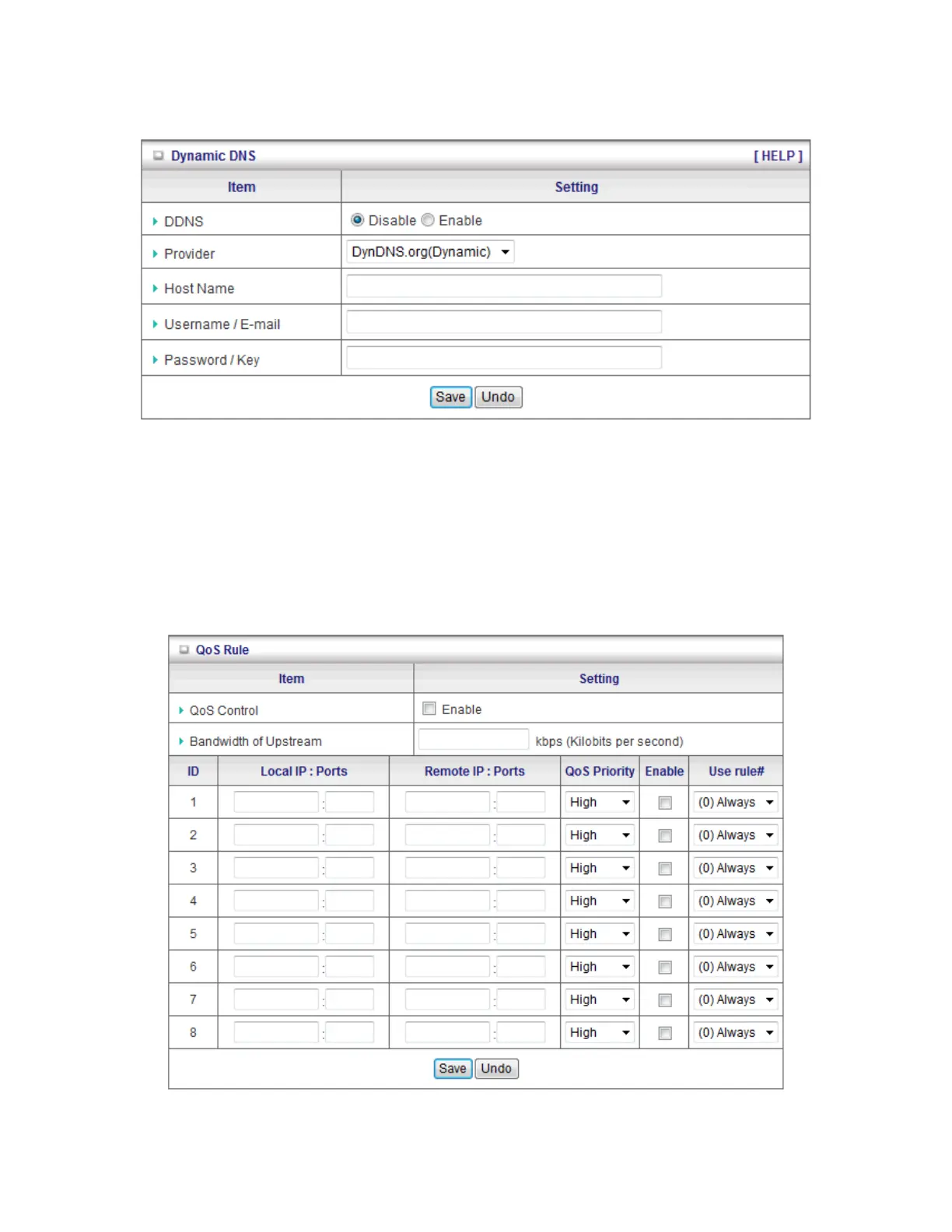
DNS servers that we list in Provider field.
To enable Dynamic DNS click the check box next to Enable in the DDNS field. Next you have
to enter the appropriate information about your Dynamic DNS Serve .Provider, Host Name,
Username/E-mail, and Password/Key. You can get this information when you register an
account on a Dynamic DNS server.
Click on “Save” to store your settings or click “Undo” to give up the changes.
3.4.3 QOS














 To Next Page