8
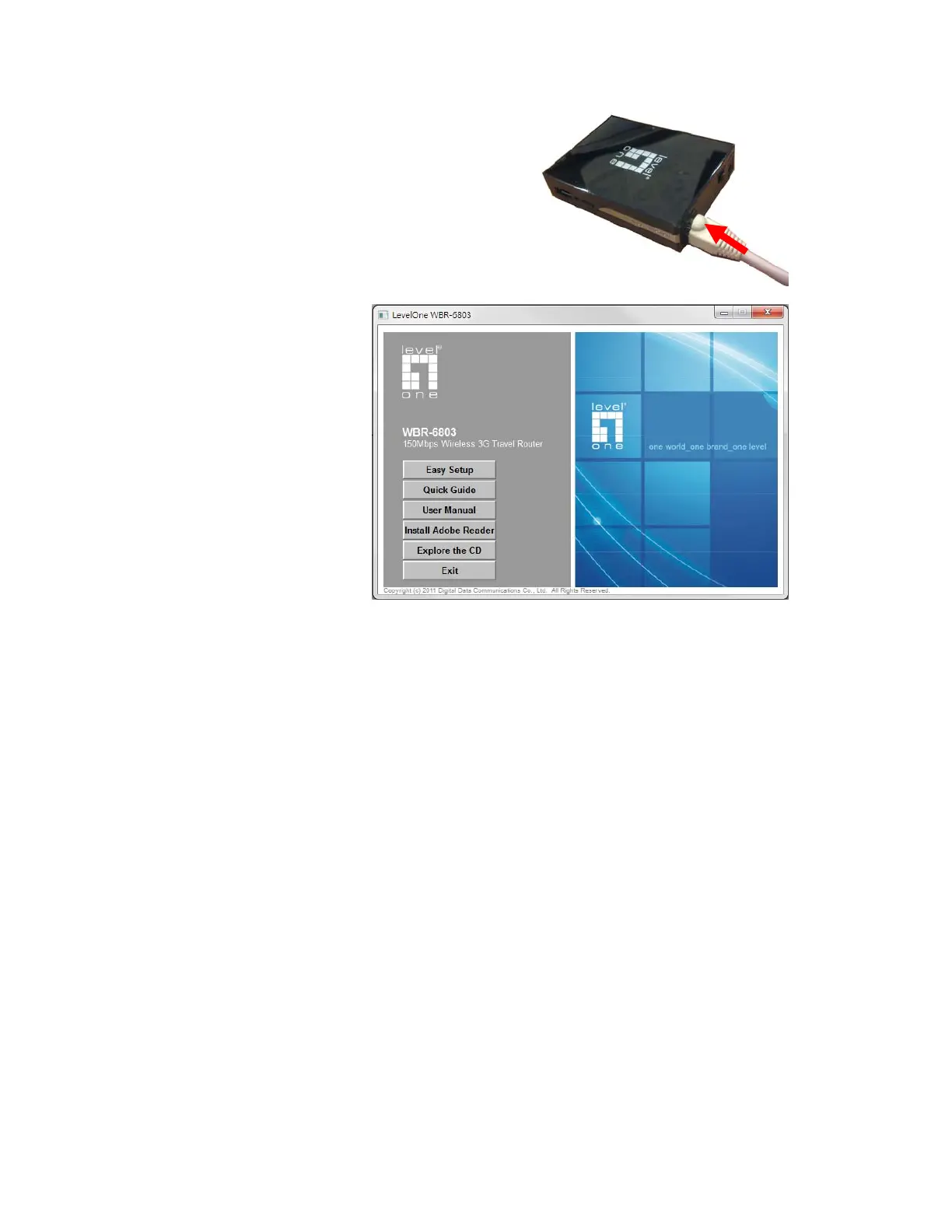
Step 7. Connect with Ethernet Cable
Insert the Ethernet cable into RJ45 Ethernet Port on
the back panel. And then plug the other end of RJ45
into the computer or Laptop computer. The Ethernet
LED will show green color if the Ethernet connection is
normally connected.
Step 8. Start to configure
the device:
You can start to configure the
device via the Easy Setup
Utility.
(see Easy Setup Utility)














 To Next Page