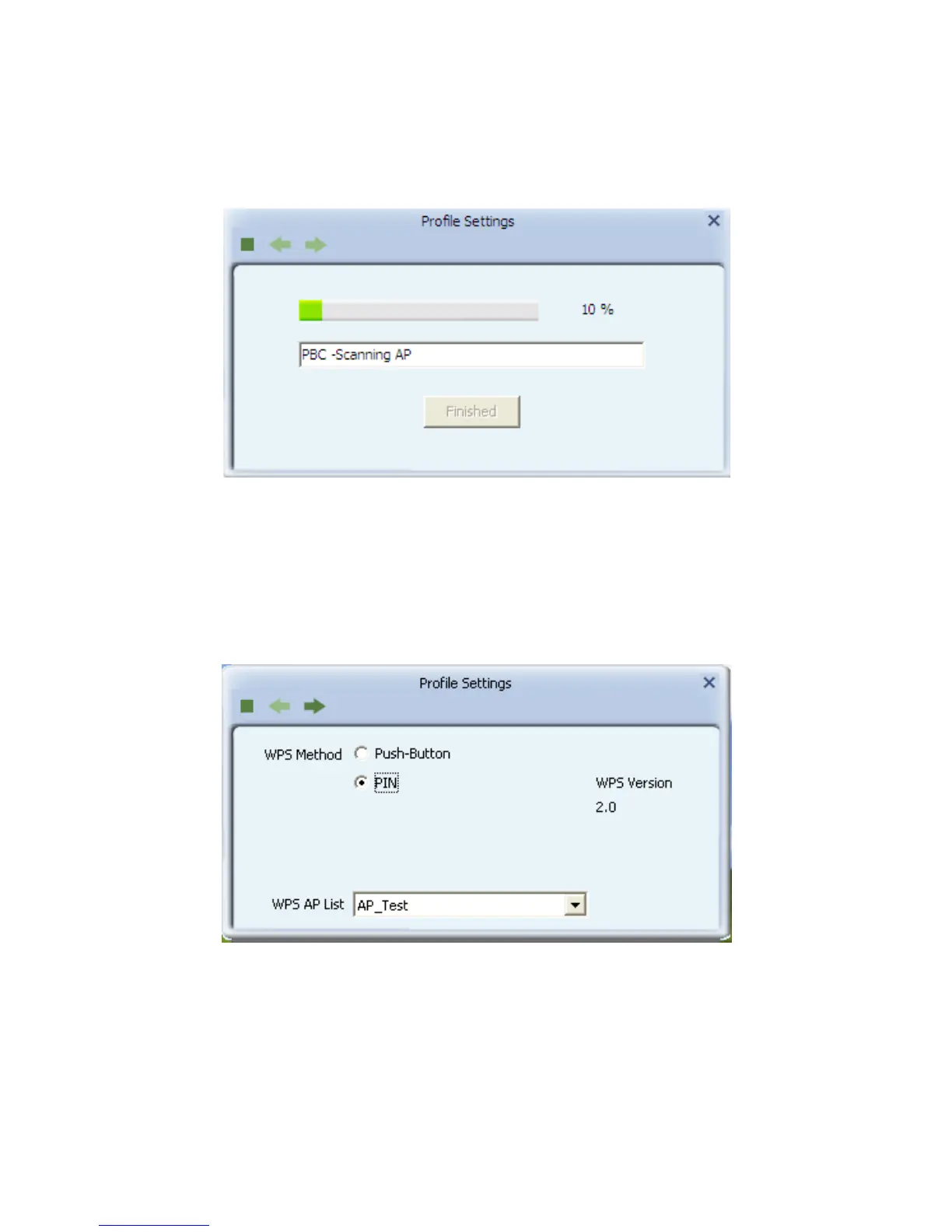
Click “Start PBC” and click the WPS button of your wireless router at the
same time, Please wait a moment, the connection between the
adapter and the router will be established automatically.
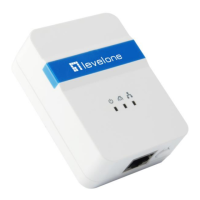
Method 2: PIN
Select “PIN” in WPS Method then click next.
Select the appropriate configuration mode, and you will get a number in PIN
Code, then click next.














 To Next Page