File
Photos Directory: set a directory for captured images.
Videos Directory: set a directory for recorded videos.
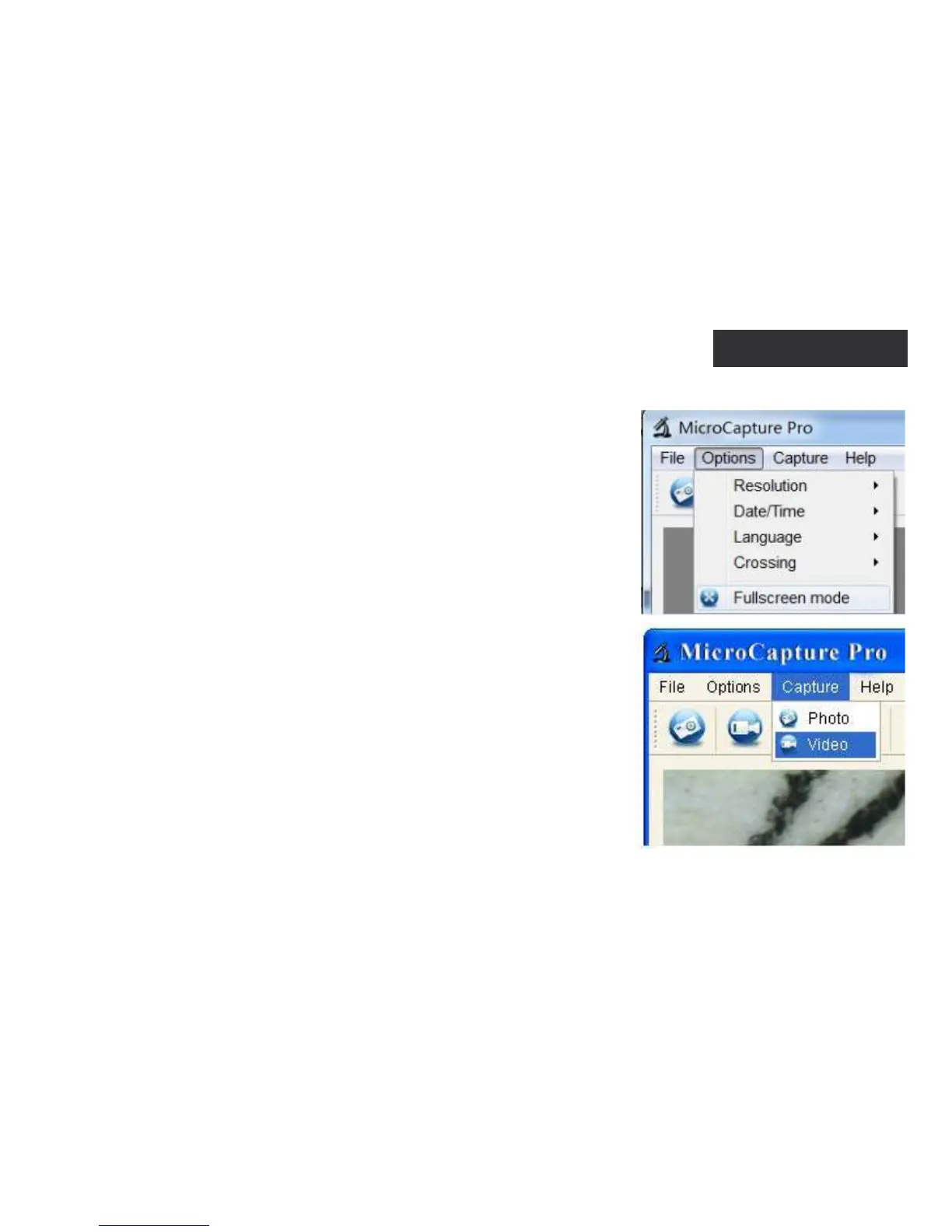
Options
Resolution: set image resolution.
Date/Time: hide or display date and time of capture during preview.
Language: change the language of the user interface.
X (Grid): hide or display a grid on images.
Full screen mode: go full screen.
Capture
Photo: capture an image.
Video: record a video.
Menu
5


 To Next Page