41920-A70
5 DI-070-41920-25B
Panel Description
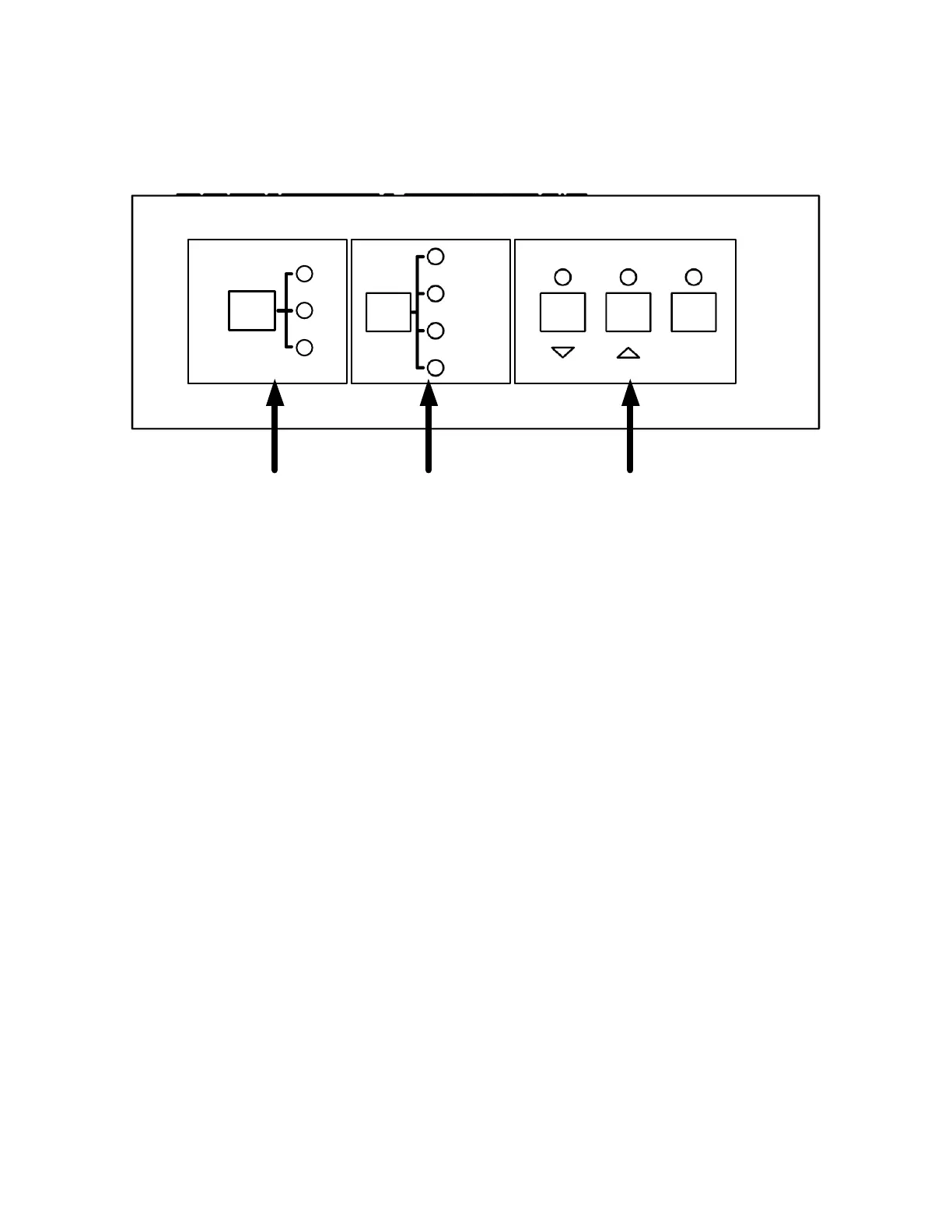
Front Panel
MIC
TREBLE
LINE
BASS
1
2
3
MUTE
INPUT SEL
1 2 3
1. INPUT SELECT – 1 is for the 2 RCA connectors, 2 is for the 3.5mm mini jack, and 3 is for the
optical audio digital audio input (fiber)
2. AUDIO CONTROL – Select the attribute to adjust with this button. Mic and Line adjusts
volume. Bass and Treble adjusts the low and high frequency response
3. ADJUST - To adjust or mute the corresponding audio
△: Adjust level up
▽: Adjust level down
MUTE: Mute the output of the selected input



 To Next Page