5
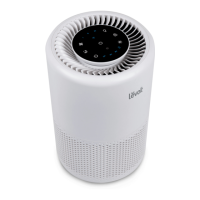
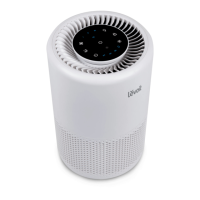
CONTROLS
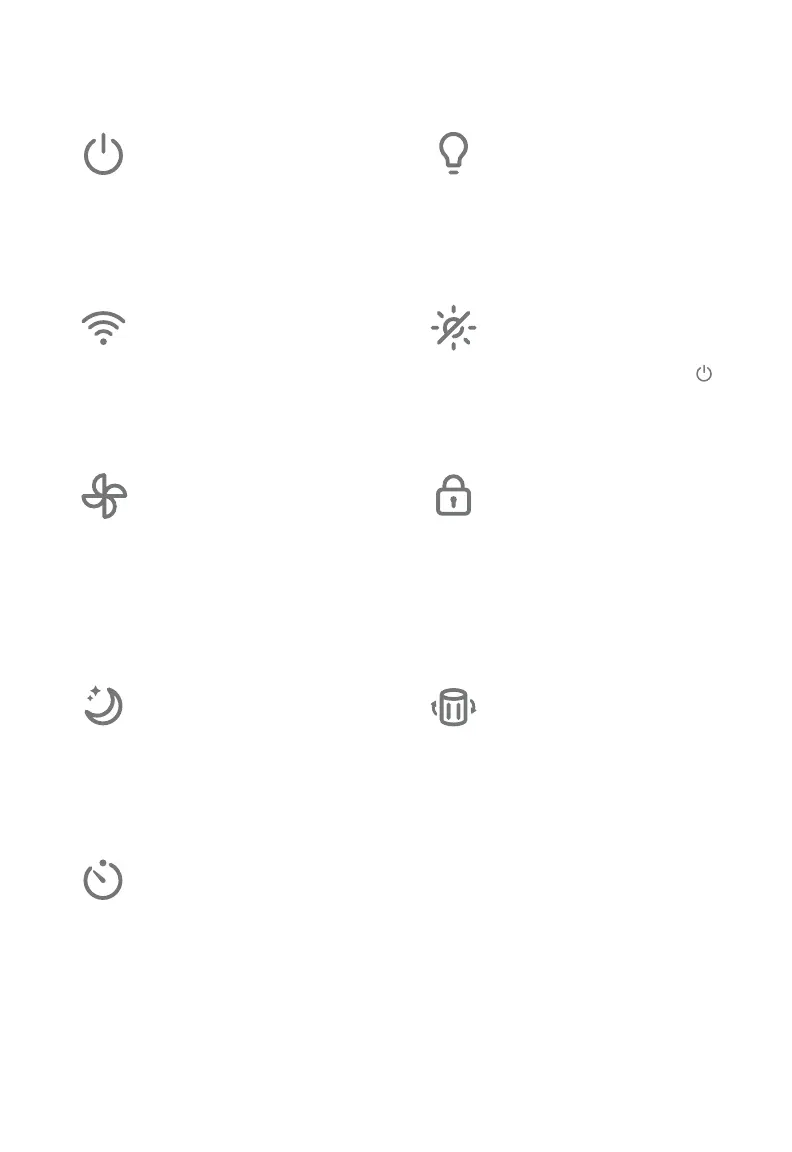
On/O Button
• Turns the air purifier on/o.
• Press and hold to configure
the air purifier. See the
VeSync in-app instructions
for more information.
Night Light Button
• Turns the night light on/o
(see page 9).
Wi-Fi Indicator
• Turns on, o, or blinks
to indicate configuration
status. See the VeSync
in-app instructions for more
information.
Display O Button
• Turns the display o (not
including the night light).
• Tap any button (except
)
to turn the display back on.
Fan Speed Button
• Cycles through fan speeds:
I (low), II (medium), and
III (high).
• Tapping the Fan Speed
Button while the air purifier
is in Sleep Mode will exit
Sleep Mode.
Display Lock Button
• Prevents current settings
from being changed (see
page 9).
• Blinks when any other
button is tapped to indicate
that Display Lock is on.
Sleep Mode Button
• Turns Sleep Mode on (see
page 8).
• Press and hold for 3
seconds to reset the Check
Filter Indicator.
Check Filter Indicator
• Lights up when the filter
should be checked (see
Check Filter Indicator,
page 12).
• Reset the Check Filter
Indicator light by pressing
and holding the Sleep
Mode button for 3 seconds.
Timer Button
• Cycles through timer
options (see page 8).




 To Next Page