7
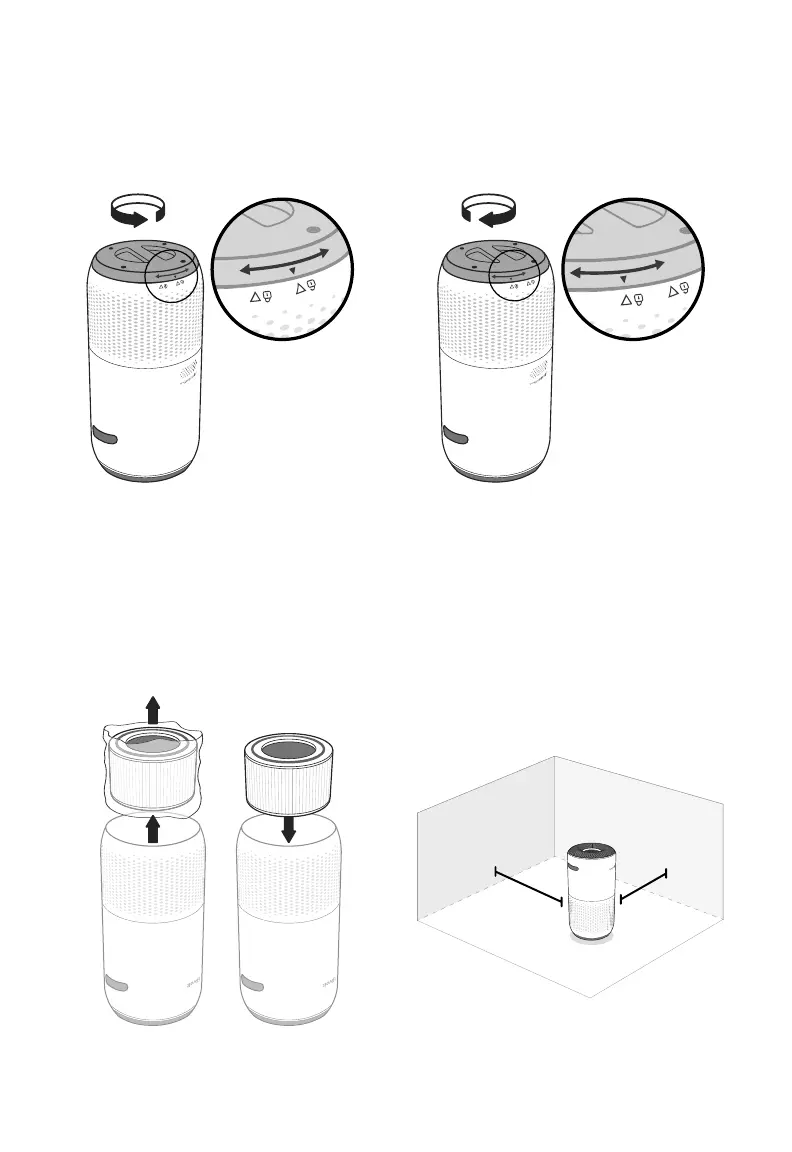
3. Replace the filter cover and twist
clockwise to lock. [Figure 1.3]
Figure 1.3
Figure 1.4
15 in /
38 cm
cover should
snap shut
15 in /
38 cm
GETTING STARTED
1. Flip the air purifier over or turn it on its side.
Twist the filter cover counterclockwise and
remove it. [Figure 1.1]
Figure 1.1
Figure 1.2
2. Remove the filter from its plastic
packaging and place the filter back into
the air purifier. [Figure 1.2]
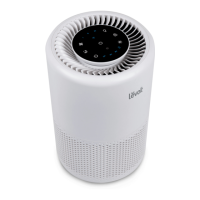
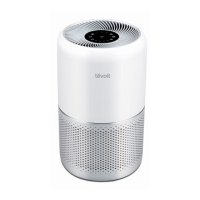
4. Place the purifier on a flat, stable surface
with the display facing up. Allow at least
15 inches / 38 cm of clearance on all
sides. Keep away from anything that
would block airflow, such as curtains.
[Figure 1.4]




 To Next Page