Copyright © Lexibook 2005
5
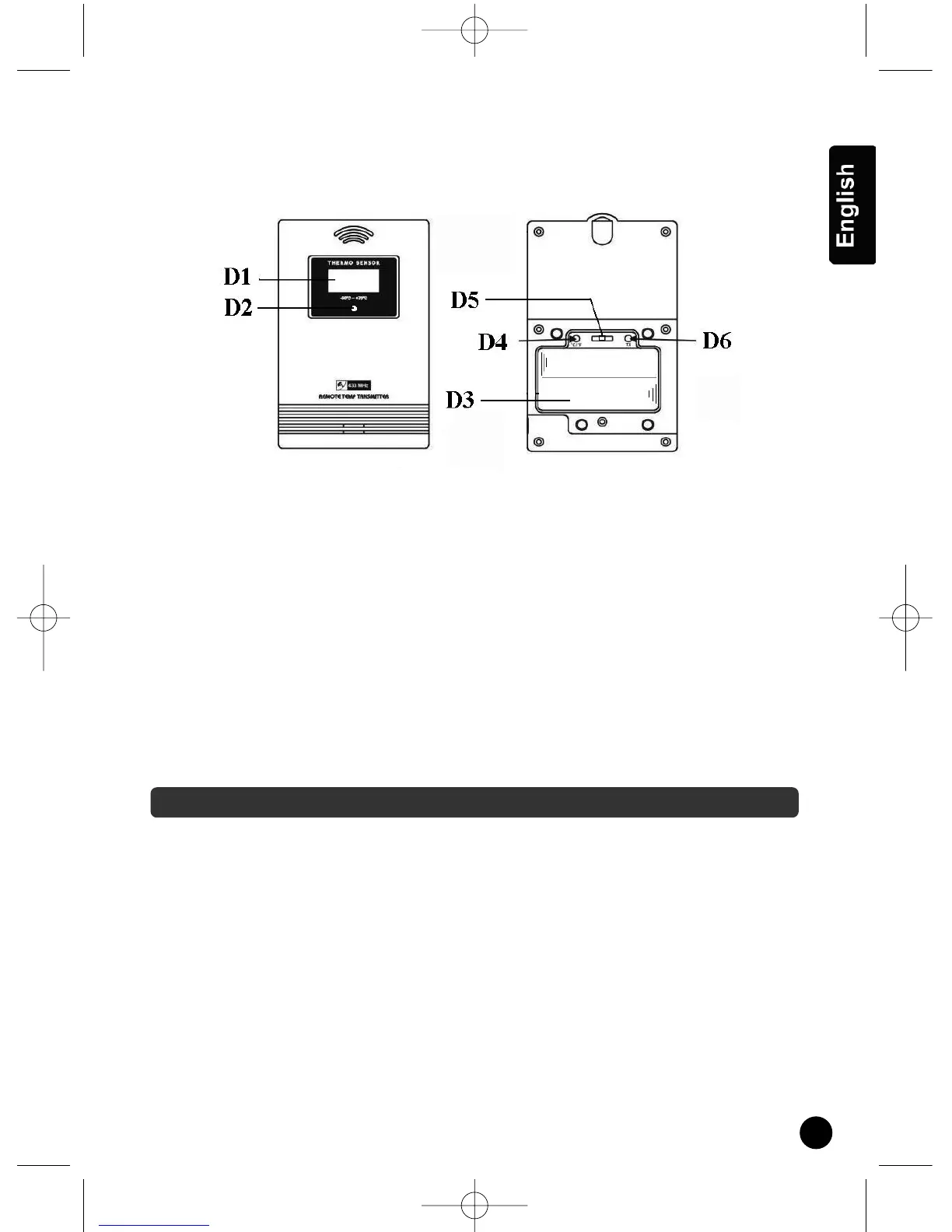
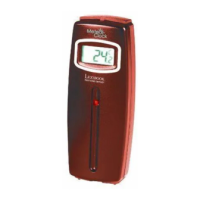
Thermo Sensor Unit Appearance.
D1
: Outdoor Temperature
D2 : Transmission Indication LED
D3 : Battery Compartment
D4 : “°C/°F” button
D5 : Channel Selecting Switch
D6 : “TX” button data transmission
Battery installation
1 - Remove the battery cover.
2 - 2 AA size batteries for the receiver (SM880).
3 - 2 AA size batteries for the remote sensor.
4 - Insert the batteries between the terminals respecting the polarity indicated inside the
compartment.
5 - Replace the battery cover.
Manual Time Setting:
n Hold “ MODE” button for 3 seconds to enter Clock/Calendar setting Mode .
n Press “+” or “-” buttons to adjust the setting and press “MODE” button to confirm each
setting.
n The setting sequence is shown as follow: Hour, Minutes, Second, Year, Month/Day
sequence, Month, Day, Time Zone, Day-of-week language.
n 7 languages can be selected in Day-of-week, they are: German, English, Russian, Denmark,
Dutch, French, Italian and Spanish. The languages and their selected abbreviations for each
day of the week are shown in the following table.
GETTING STARTED
SM880GB.qxd 16/02/2005 10:44 Page 5


 To Next Page