Setup Lexicon
3-62
I/O CONFIG (continued)
MAIN 7.1
When set to MAIN 7.1, all of the amplifier outputs on the rear panel
will be configured for use in the Main Zone. Outputs 3 and 7 are
used for the rear speakers (Rear L/R).
MAIN 5.1 & ZONE2 2.0
Configures amplifier outputs 3 and 7 for use in Zone 2. Outputs 1, 2,
4, 5 and 6 will be configured for use in the Main Zone. The input
source selected for Zone 2 will be output on amplifier outputs 3 and 7.
Note:
If the current speaker configuration is using rear speakers, a warning
message will appear alerting the user to the fact that the rear speakers will
be disabled for the Main Zone when the 5.1 MAIN & ZONE2 2.0 setting
is chosen. Press the right menu button to confirm the change. Pressing
any other button will cancel the change.
MAIN 5.1 & ZONE3 2.0
Configures amplifier outputs 3 and 7 for use in Zone 3. Outputs 1, 2,
4, 5 and 6 will be configured for use in the Main Zone. The input
source selected for Zone 3 will be output on amplifier outputs 3 and 7.
Note:
If the current speaker configuration is using rear speakers, a warning
message will appear alerting the user to the fact that the rear speakers will
be disabled for the Main Zone when the 5.1 MAIN & ZONE3 2.0 setting
is chosen. Press the right menu button to confirm the change. Pressing
any other button will cancel the change.
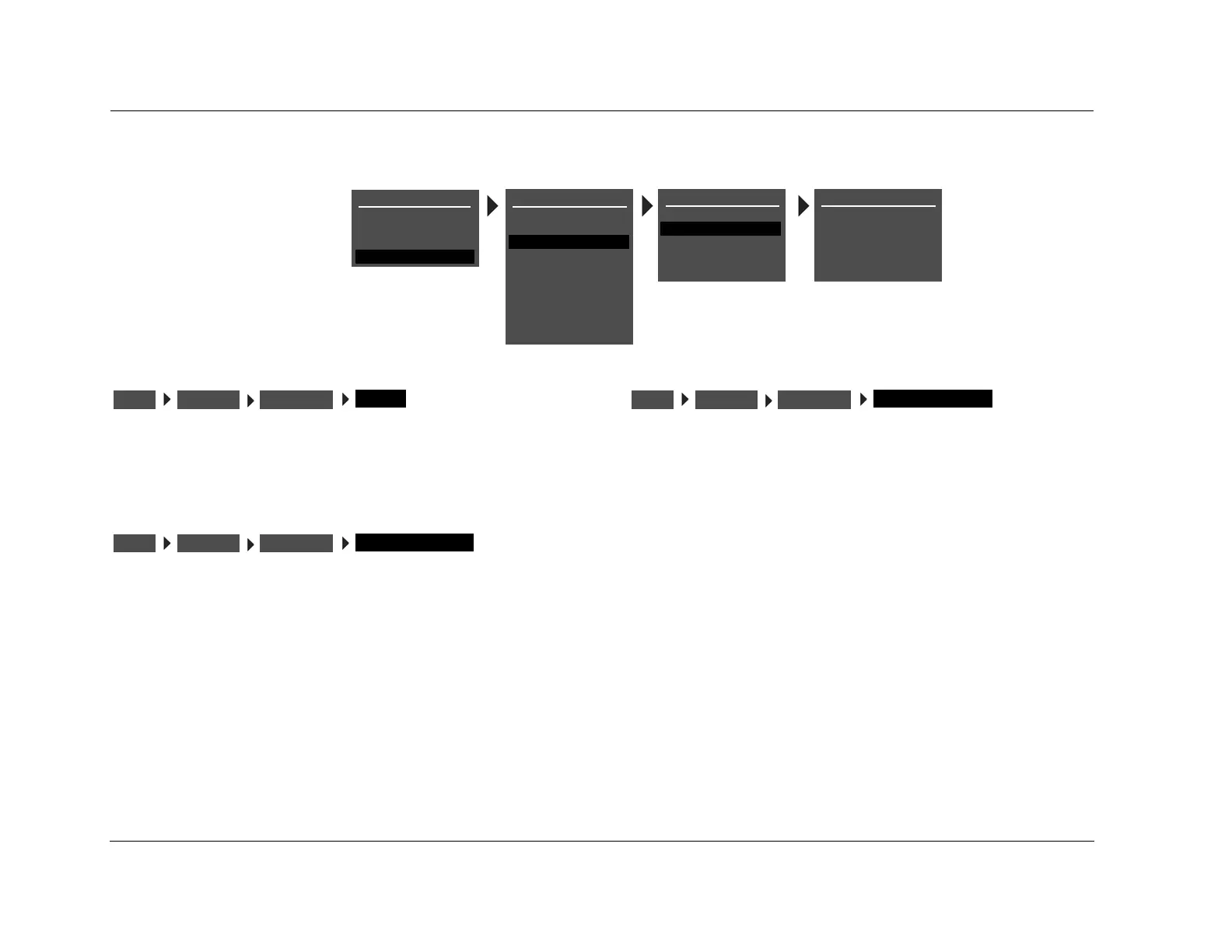
AMP OUTPUTS
MAIN 7.1
MAIN 5.1 & ZONE2 2.0
MAIN 5.1 & ZONE3 2.0
SETUP
INPUTS
SPEAKERS
I/O CONFIG
DISPLAYS
VOLUME CONTROLS
TRIGGER
TUNER SETUP
MAIN MENU
MODE ADJUST
AUDIO CONTROLS
TUNER PRESETS
I/O CONFIG
ANALOG INPUTS
AMP OUTPUTS
LOCK OPTIONS
SETUP
LIVE! CALIBRATION
POWER MANAGEMENT
I/O CONFIGSETUP
MAIN 7.1
AMP INPUTS
I/O CONFIGSETUP
MAIN 5.1 & ZONE2 2.0
AMP INPUTS
I/O CONFIGSETUP
MAIN 5.1 & ZONE3 2.0
AMP INPUTS


 To Next Page
 Loading...


