Setup Lexicon
3-64
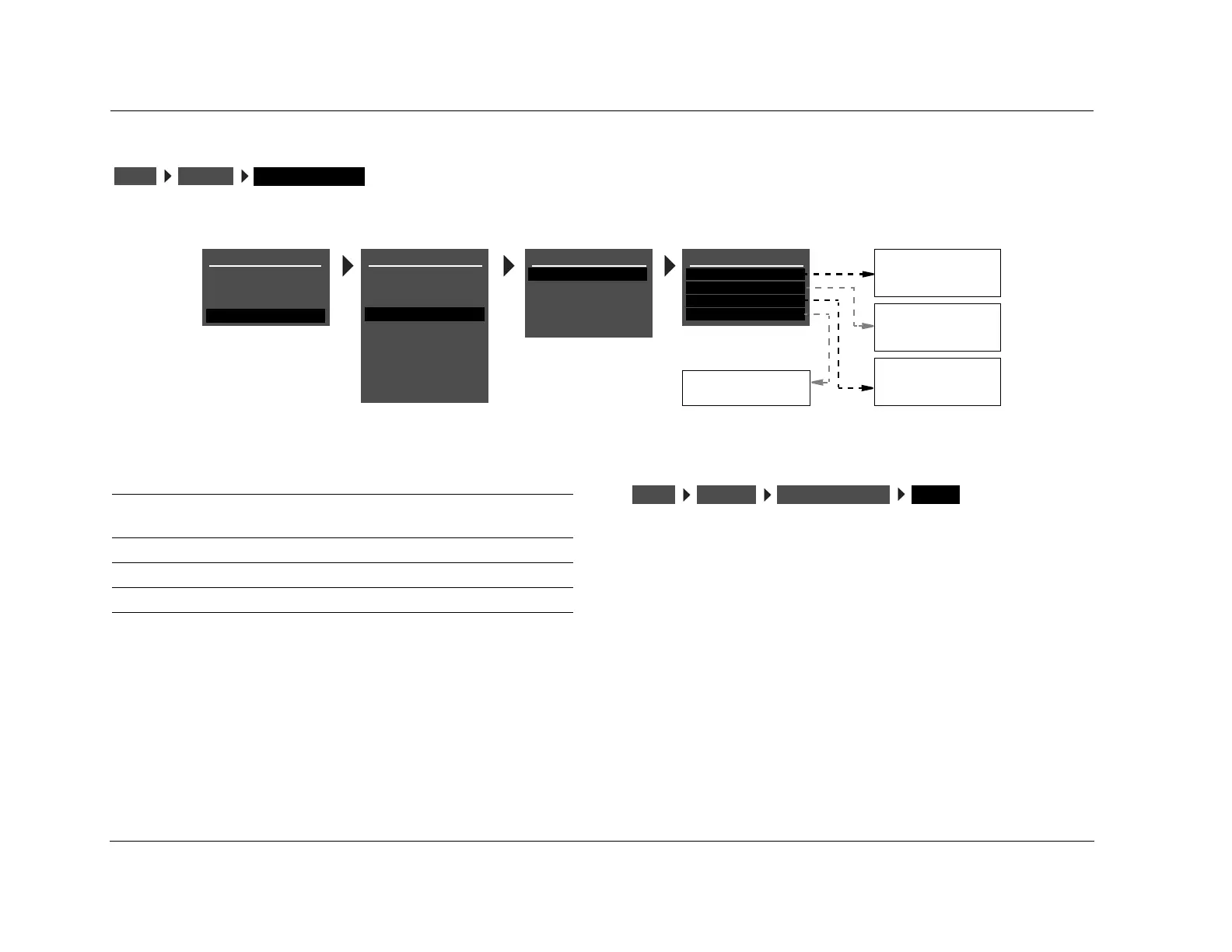
ON-SCREEN DISPLAY SETUP
Opens the ON-SCREEN DISPLAY menu, which is used to customize the on-screen display.
STATUS ALWAYS ON, 2 SECONDS, ALWAYS OFF
Activates and deactivates the on-screen display sent to the Main Zone
video output connector. When set to ALWAYS ON, the on-screen display
remains on at all times. When set to 2 SECONDS, the on-screen display
appears for 2 seconds whenever the input source changes or the RV-5
receives a command. When set to ALWAYS OFF, the on-screen display
remains off at all times. It will not reappear until the ON-SCREEN
DISPLAY menu STATUS parameter is set to ALWAYS ON or 2 SECONDS.
Note:
When the ON-SCREEN DISPLAY menu STATUS parameter is set to ALWAYS
OFF, the on-screen display immediately disappears. Use the front-panel
display as a guide to reset the parameter to ALWAYS ON or 2 SECONDS.
DISPLAYSSETUP
ON-SCREEN DISPLAY
ALWAYS ON
2 SECONDS
ALWAYS OFF
TOP
CENTER
BOTTOM
SECAM
PAL
NTSC
DISPLAY SETUP
ON-SCREEN DISPLAY
FRONT PANEL DISPLAY
A/V SYNC DELAY
CUSTOM NAME
EDIT CUSTOM NAME
OFF
OFF
ON
OFF
ON-SCREEN DISPLAY
STATUS
POSITION
FORMAT
BACKGROUND
2 SECONDS
TOP
NTSC
ON
SETUP
INPUTS
SPEAKERS
I/O CONFIG
DISPLAYS
VOLUME CONTROLS
TRIGGER
TUNER SETUP
MAIN MENU
MODE ADJUST
AUDIO CONTROLS
TUNER PRESETS
LOCK OPTIONS
SETUP
LIVE! CALIBRATION
POWER MANAGEMENT
Parameter Default Setting Possible Settings
STATUS 2 SECONDS ALWAYS ON, 2 SECONDS,
ALWAYS OFF
POSITION TOP TOP, CENTER, BOTTOM
FORMAT NTSC SECAM, PAL, NTSC
BACKGROUND ON ON, OFF
DISPLAYSSETUP ON-SCREEN DISPLAY STATUS


 To Next Page
 Loading...


