Basic Operation Lexicon
2-14
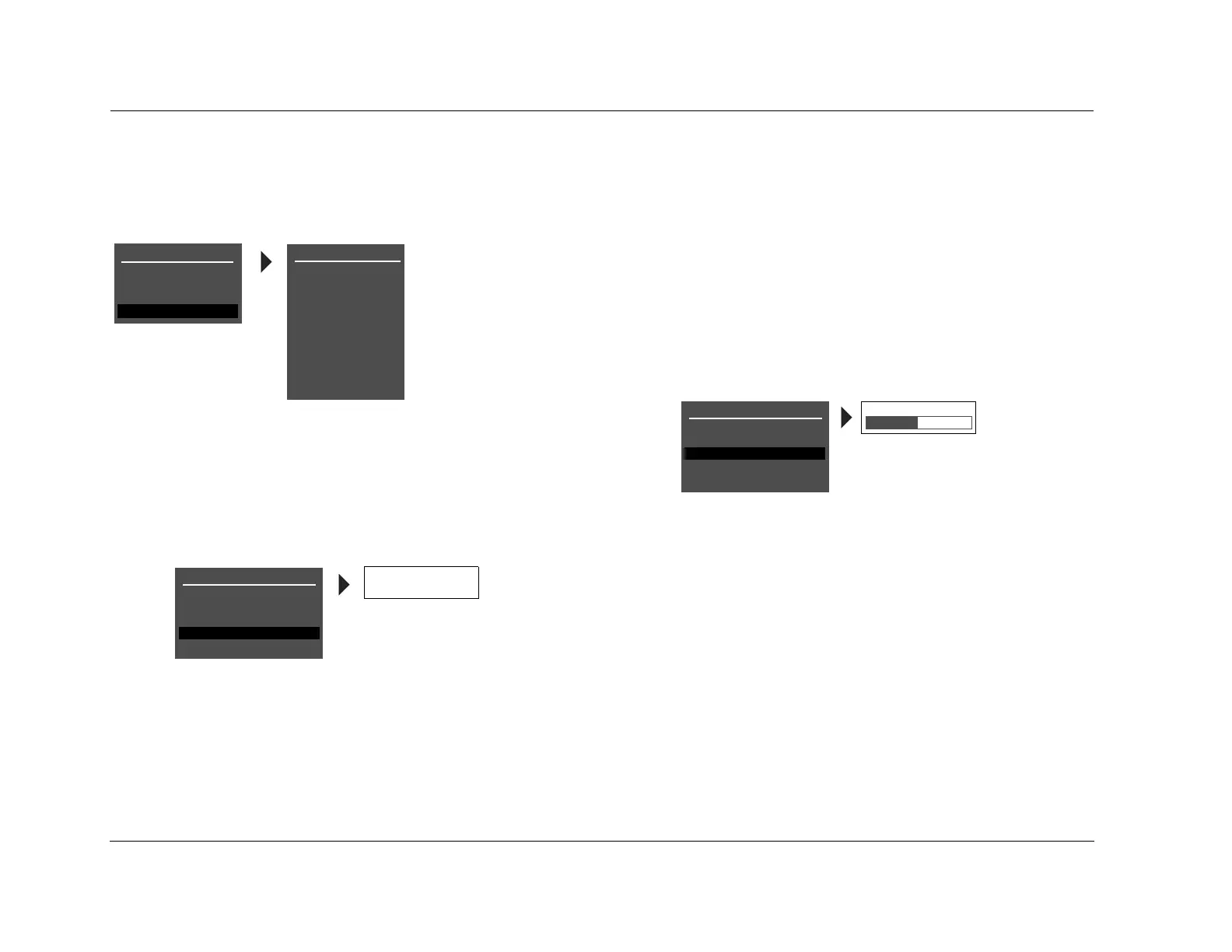
MENU OPTIONS
Selecting a menu option opens another menu within the menu
structure. For example, selecting SETUP from the MAIN MENU opens
the SETUP menu.
PARAMETER DROP-DOWN MENUS
Selecting some menu options opens a drop-down menu that contains
a list of available parameter settings. For example, selecting the
CUSTOM NAME parameter from the DISPLAY SETUP menu opens a
drop-down menu which is used to select the ON or OFF setting.
To select a setting in a parameter drop-down menu:
1. When the drop-down menu opens, press the remote-control
and arrows to scroll upward and downward through the
complete list of available settings. The current setting is displayed
beneath the parameter name in the on-screen and front-panel
displays.
2. When the desired setting appears beneath the parameter
name, press the arrow to accept the setting and close the
drop-down menu.
HORIZONTAL BAR GRAPHS
Selecting some menu parameters opens a horizontal bar graph. The
bar graph indicates the position at which the current parameter setting
falls within the entire parameter range.
For example, selecting the A/V SYNC DELAY parameter from the
DISPLAY SETUP menu opens the horizontal bar graph shown below,
which is used to adjust the amount of audio delay.
To adjust a parameter setting with a horizontal bar graph:
1. When the horizontal bar graph appears, press the remote-control
and arrows to increase or decrease the setting in the desig-
nated increments. The setting appears to the right of the
parameter name in the on-screen and front-panel displays.
2. When the desired adjustments have been made, press the
arrow to select the setting and close the horizontal bar graph.
Note:
Menu item selection instructions differ for certain menus. These instances
are noted throughout this user guide.
SETUP
INPUTS
SPEAKERS
I/O CONFIG
DISPLAYS
VOLUME CONTROLS
TRIGGER
TUNER SETUP
LOCK OPTIONS
MAIN MENU
MODE ADJUST
AUDIO CONTROLS
TUNER PRESETS
SETUP
LIVE! CALIBRATION
POWER MANAGEMENT
DISPLAY SETUP
ON-SCREEN DISPLAY
FRONT PANEL DISPLAY
A/V SYNC DELAY
CUSTOM NAME
EDIT CUSTOM NAME
ON
OFF
OFF
OFF
A/V SYNC DELAY OFF
CUSTOM NAME OFF
OFF, 1 to 60ms
DISPLAY SETUP
ON-SCREEN DISPLAY
FRONT PANEL DISPLAY
A/V SYNC DELAY
CUSTOM NAME
EDIT CUSTOM NAME
OFF
OFF


 To Next Page
 Loading...


