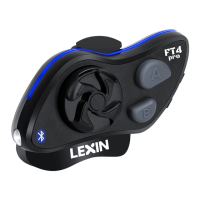
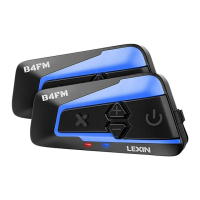
3. Short press the RIDER A Button of Headset B or RIDER B Button of the Headsets
A and wait until the LEDs of both headsets turn to blue blinking and intercom
connection is automatically established. (Headset A is paired with Headset B)
4. You can make other pairings between the headset A and C, the headset A and D,
then the headsets B and C, the headsets B and D, then the headset C and D by
following the same procedure as above.
To get the overall pairing details, please refer to the following table:
WHEN RED AND
BLUE LED FLASH
ON BOTH UNITS,
SHORT PRESS
BELOW BUTTON
ON LEFT
HEADSET
<---pair each
other in 5-9
seconds--->
5. Four headsets are completely multi-paired as a medium group and switch to talk
between any 2 of them in a range of 1000M (3,280 feet) distance.
5.3.2 Start intercom talk
Short press button Rider A or Rider B or Rider C to start conversation between any 2
riders.
5.3.3 Disconnect the intercom talk
To terminate an intercom conversation between any 2 riders, short press button Rider
A or Rider B or Rider C.
Note: If you have purchased a LX-R6 Dual Pack, the 2 units are pre-paired already,
you can simply press the power button to initiate or quit the intercom talking with the
other.
Note: (There is no Rider D Button on the headset, so for Headsets A, we use Rider A
Button as Rider D Button, and so forth.)
Note: Please make sure that during the pairing procedure, only two headsets are in
power on status, and the other two ones are in power off status.
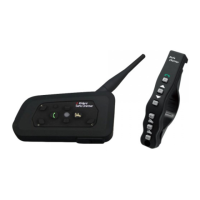
Important Note: Please make the pairing only by pressing the Button on the main unit,
but not pressing the Buttons on the wireless remote control.


 To Next Page