•
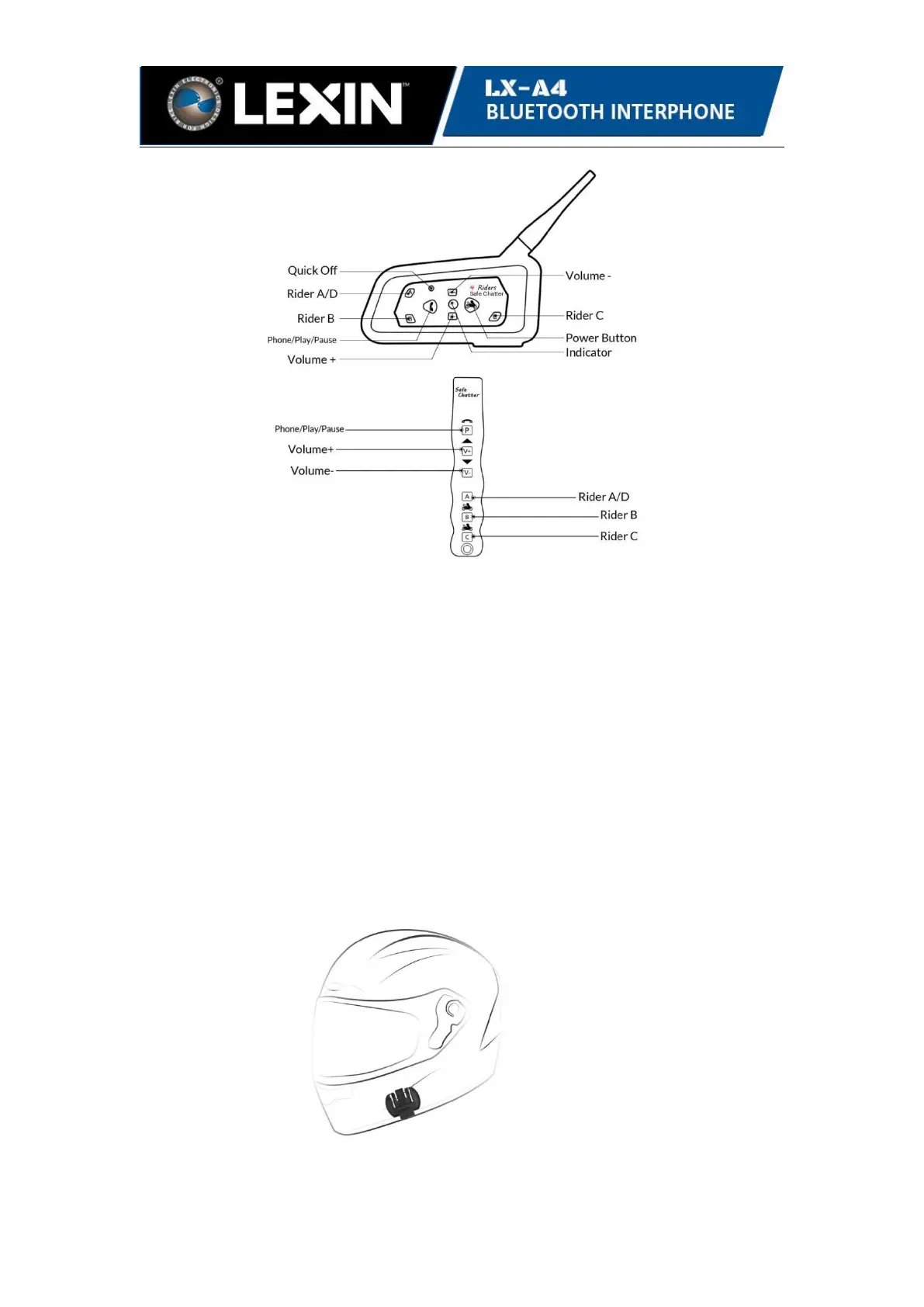
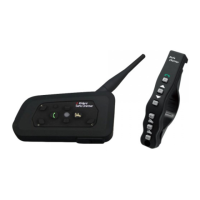
LX-A4 SAFE CHATTER Main Unit
•
Wireless Remote Control
•
Slim 5mm Hi-Fi Stereo Speaker
•
Boom Microphone for both full-face and half-face style helmet
• Mounting Bracket & Clamp& 3M Tape
• USB Cable
• 3.5mm Audio Cable
•
Spacers
• User Manual
3. Installation Instructions
3.1 Insert the back plate of the clamp between the internal padding and external shell
of the helmet, then attach the front bracket in the proper position on the left bottom
edge of the helmet and tighten the clamp with the supplied screws.
Clip Bracket and 3M Tape Bracket


 To Next Page