English
1
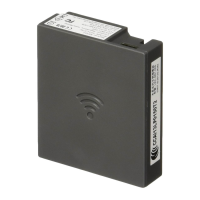
MarkNet X2000 Series
External Print Servers
Quick Reference
Step 1: Connect the hardware . . . . . . . . . . . . . . . . . .2
Step 2: Assign an IP address . . . . . . . . . . . . . . . . . . .5
Step 3: Print a network setup page . . . . . . . . . . . . . .5
Step 4: Configure the network printer. . . . . . . . . . . .6
Electronic emissions notices. . . . . . . . . . . . . . . . . . .9
Safety notices . . . . . . . . . . . . . . . . . . . . . . . . . . . . . .11


 To Next Page