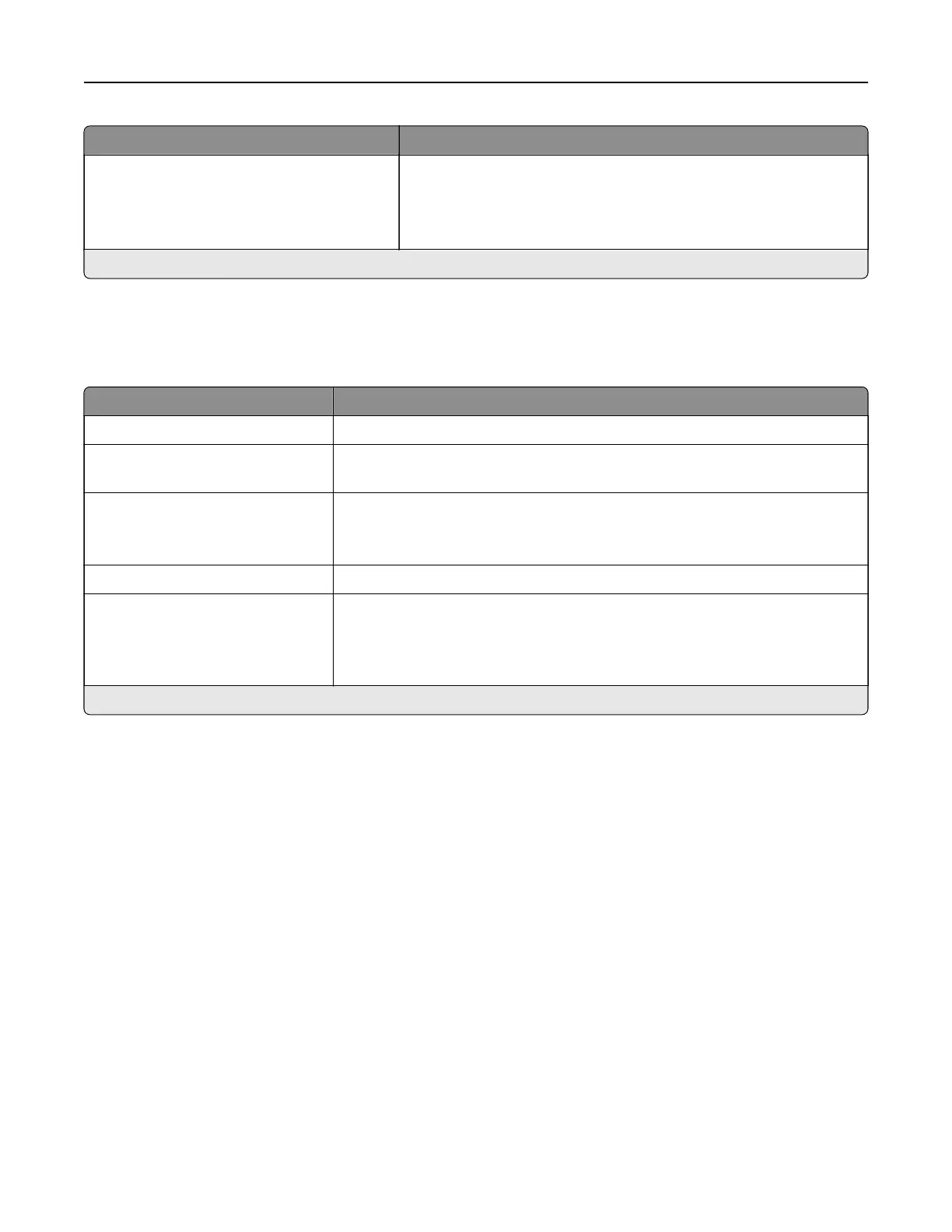
Menu item Description
Options
Always Print As Image
O*
On
Save the scanned output into image files.
Note: An asterisk (*) next to a value indicates the factory default setting.
Wi‑Fi Direct
Note: This menu appears only when a direct Wi‑Fi network is the active network.
Menu item Description
SSID Specify the service set identifier (SSID) of the Wi‑Fi network.
Set Preshared Key Set the preshared key (PSK) to authenticate and validate users on a Wi‑Fi
connection.
Show PSK on Setup Page
On*
O
Show the PSK on the Network Setup Page.
Group Owner IP Address Specify the IP address of the group owner.
Auto‑Accept Push Button
Requests
On
O*
Accept requests to connect to the network automatically.
Note: Accepting clients automatically is not secured.
Note: An asterisk (*) next to a value indicates the factory default setting.
Understanding the printer menus 125



 To Next Page