2
1
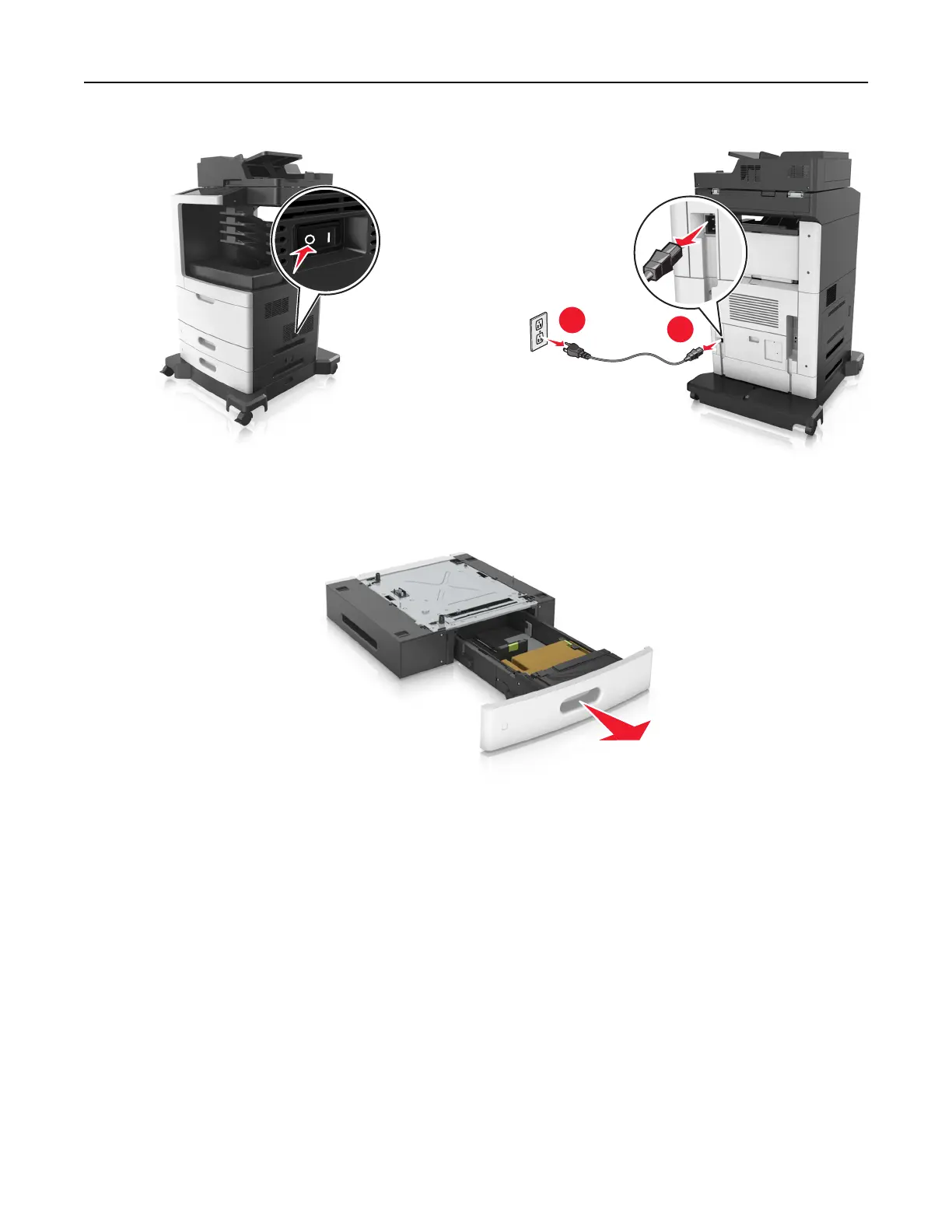
2 Unpack the optional tray, and then remove all packing material.
3 Pull out the tray completely from the base.
4 Remove any packing material from inside the tray.
5 Insert the tray into the base.
6 Place the tray near the printer.
7 Align the optional tray with the caster base.
Note: Make sure to lock the wheels of the caster base to secure the printer.
Additional printer setup 47



 To Next Page