AUDIO
204
(d) RDS (Radio Data System)
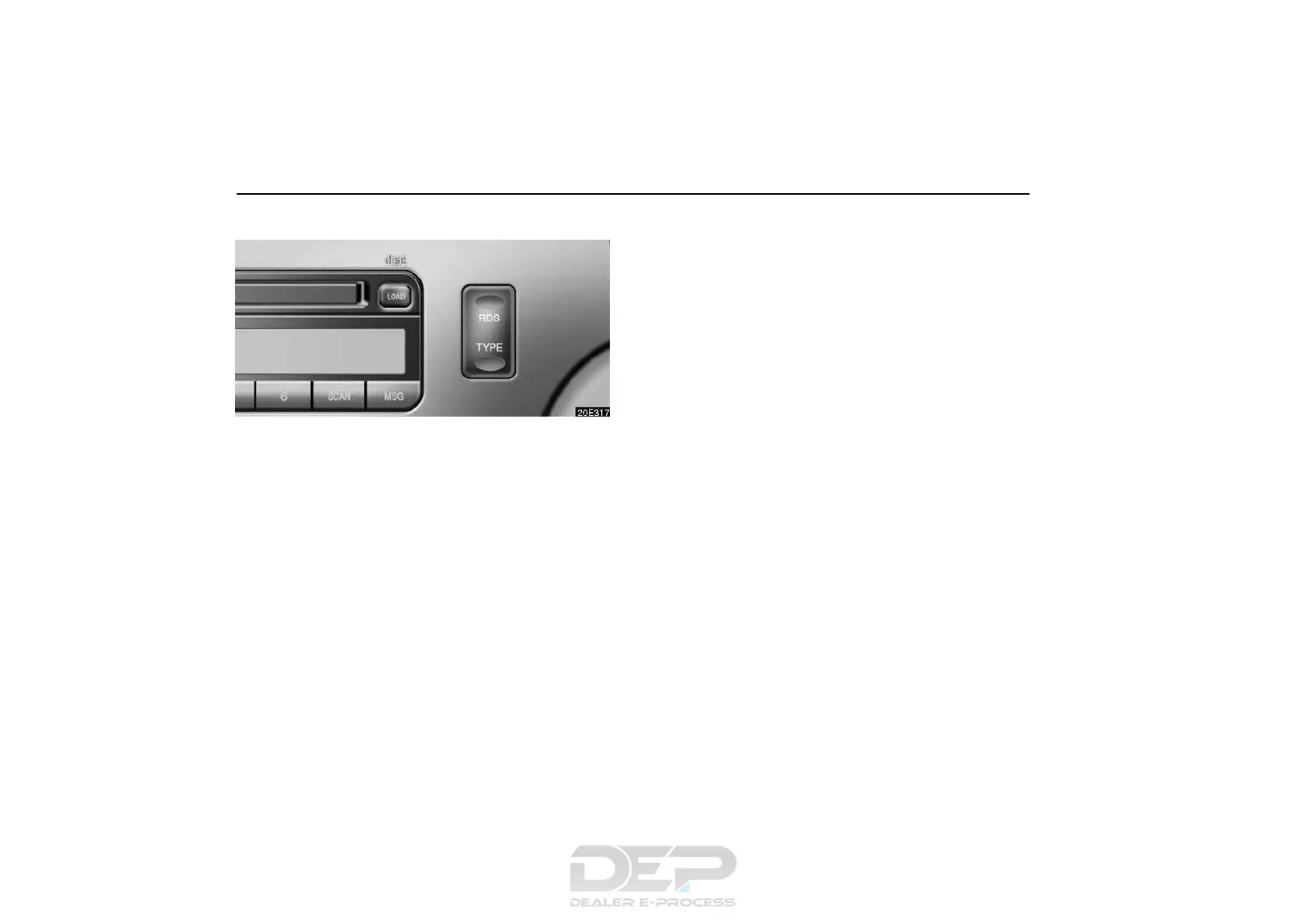
When you push the “RDS” button briefly during FM reception,
the RDS turns on. “RDS” and “RDS SEARCH” appear on the
display and the radio starts to search RDS stations.
If no RDS stations can be found, “NOTHING” appears and the
display returns to the previous mode.
If RDS stations are found, “FOUND **ST” appears on the
display (** indicating the number of stations which are found)
in the FM TYPE mode and the RDS stations are preset by
program type.
To turn off the RDS, push the “RDS” button until you hear a
beep.
TYPE (Program type):
When you push the “TYPE” button while receiving an RDS
station, the current program type appears on the display.
Each time you push the “TYPE” button, the program type
changes as in the following:
D ROCK
D EASY LIS (Easy listening)
D CLS/JAZZ (Classical music and jazz)
D R&B (Rhythm and Blues)
D INFORM (Information)
D RELIGION
D MISC
D ALERT (Emergency message)



 To Next Page