204
ES300h_OM_OM33B71U_(U)
4-5. Using the driving support systems
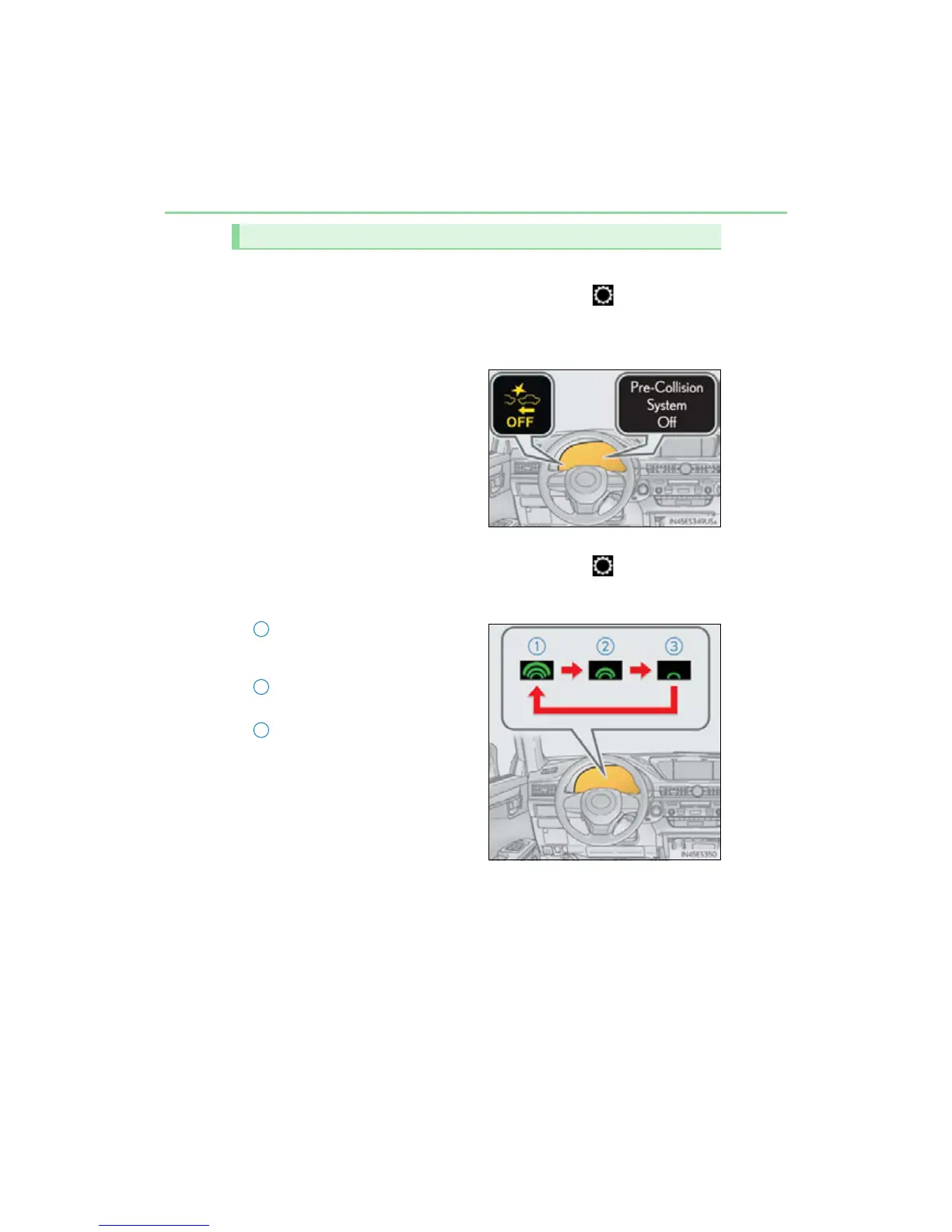
■ Enabling/disabling the pre-collision system
The pre-collision system can be enabled/disabled on (P. 91) of the
multi-information display.
The system is automatically enabled each time the power switch is turned to ON
mode.
If the system is disabled, the PCS
warning light will turn on and a mes-
sage will be displayed on the multi-
information display.
■ Changing the pre-collision warning timing
The pre-collision warning timing can be changed on (P. 9 1) of the
multi-information display.
The operation timing setting is retained when the power switch is turned off.
Far
The warning will begin to operate
earlier than with the default timing.
Middle
This is the default setting.
Near
The warning will begin to operate
later than with the default timing.
Changing settings of the pre-collision system
1
2
3



 To Next Page