384
ES300h_OM_OM33B71U_(U)
6-1. Using the air conditioning system and defogger
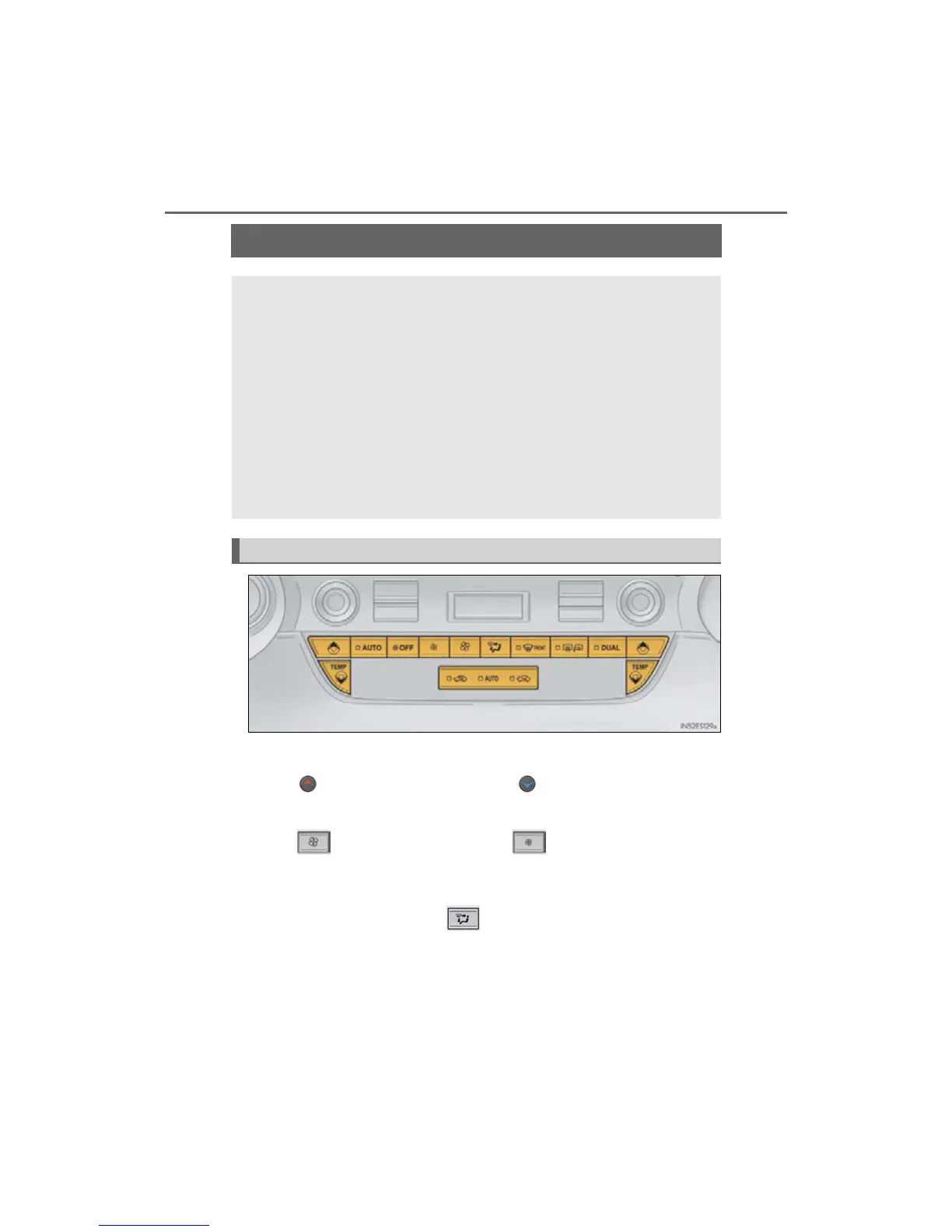
Automatic air conditioning system
■ Adjusting the temperature setting
Press to increase the temperature and to decrease the temperature.
■ Adjusting the fan speed setting
Press to increase the fan speed and to decrease the fan speed.
Press the “OFF” button to turn the fan off.
■ Change the airflow mode
To change the air outlets, press .
The air outlets used are switched each time the button is pressed.
Air outlets and fan speed are automatically adjusted according to the temper-
ature setting.
Vehicles with Lexus Display Audio system: Press the “MENU” button on the
Lexus Display Audio controller, then select “Climate” to display the air condi-
tioning operation screen.
For details on the Lexus Display Audio controller, refer to “Lexus Display
Audio controller” on P. 288.
Vehicles with navigation system: Press the “MENU” button on the Remote
Touch, then select “Climate” to display the air conditioning control screen.
For details on the Remote Touch, refer to the “NAVIGATION SYSTEM
OWNER’S MANUAL”.
Control panel



 To Next Page