228
ES300h_OM_OM33B71U_(U)
4-5. Using the driving support systems
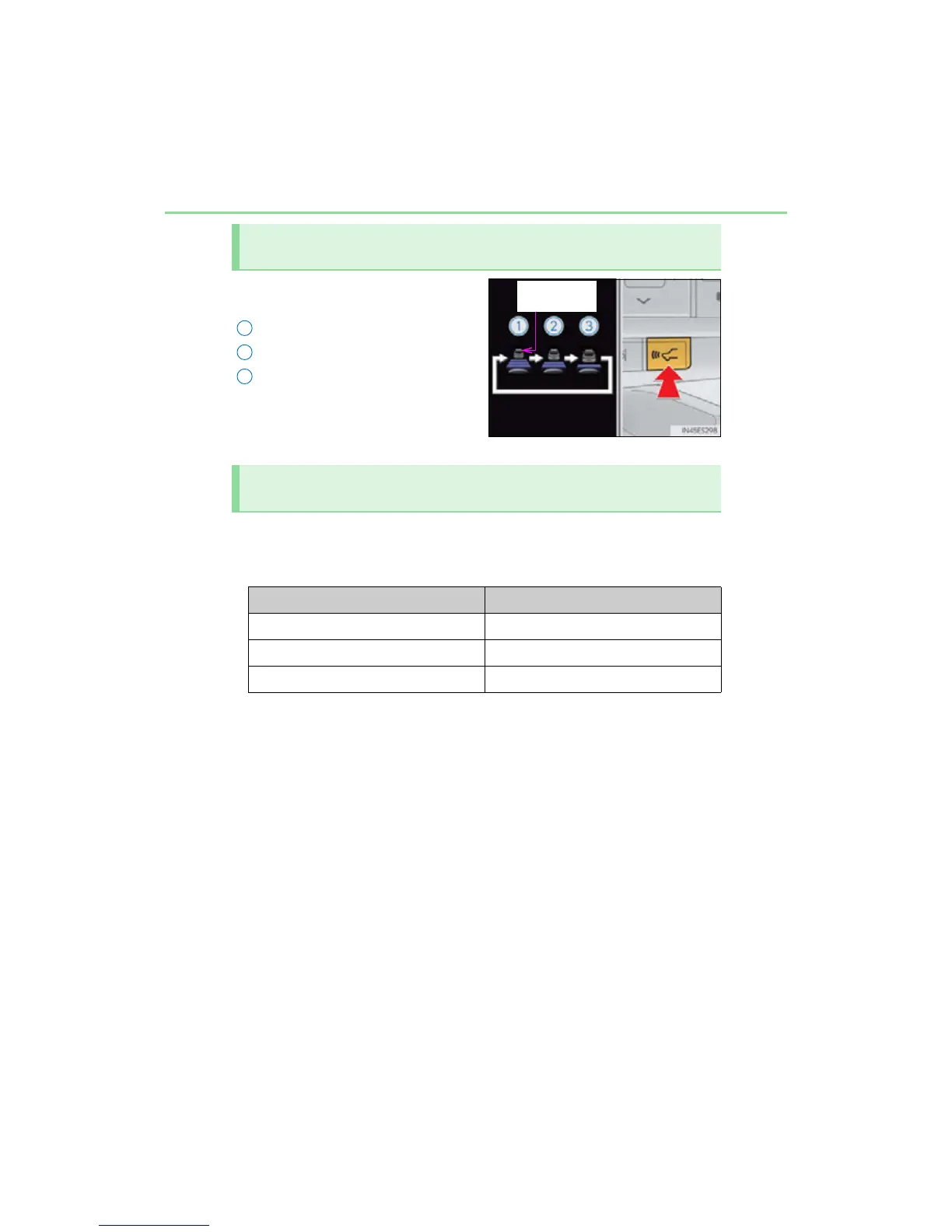
Pressing the button changes the vehi-
cle-to-vehicle distance as follows:
Long
Medium
Short
The vehicle-to-vehicle distance is set
automatically to long mode when the
power switch is turned to ON mode.
If a vehicle is running ahead of you, the preceding vehicle mark will also be displayed.
Select a distance from the table below. Note that the distances shown corre-
spond to a vehicle speed of 50 mph (80 km/h). Vehicle-to-vehicle distance
increases/decreases in accordance with vehicle speed.
Changing the vehicle-to-vehicle distance (vehicle-to-vehicle distance
control mode)
1
2
3
Vehicle-to-vehicle distance settings (vehicle-to-vehicle distance con-
trol mode)
Distance options Vehicle-to-vehicle distance
Long Approximately 160 ft. (50 m)
Medium Approximately 130 ft. (40 m)
Short Approximately 100 ft. (30 m)



 To Next Page