298
5-2. Setup
ES300h_OM_OM33B71U_(U)
Go to “Customize Images”: “MENU” button “Setup” “General”
“Customize Images”
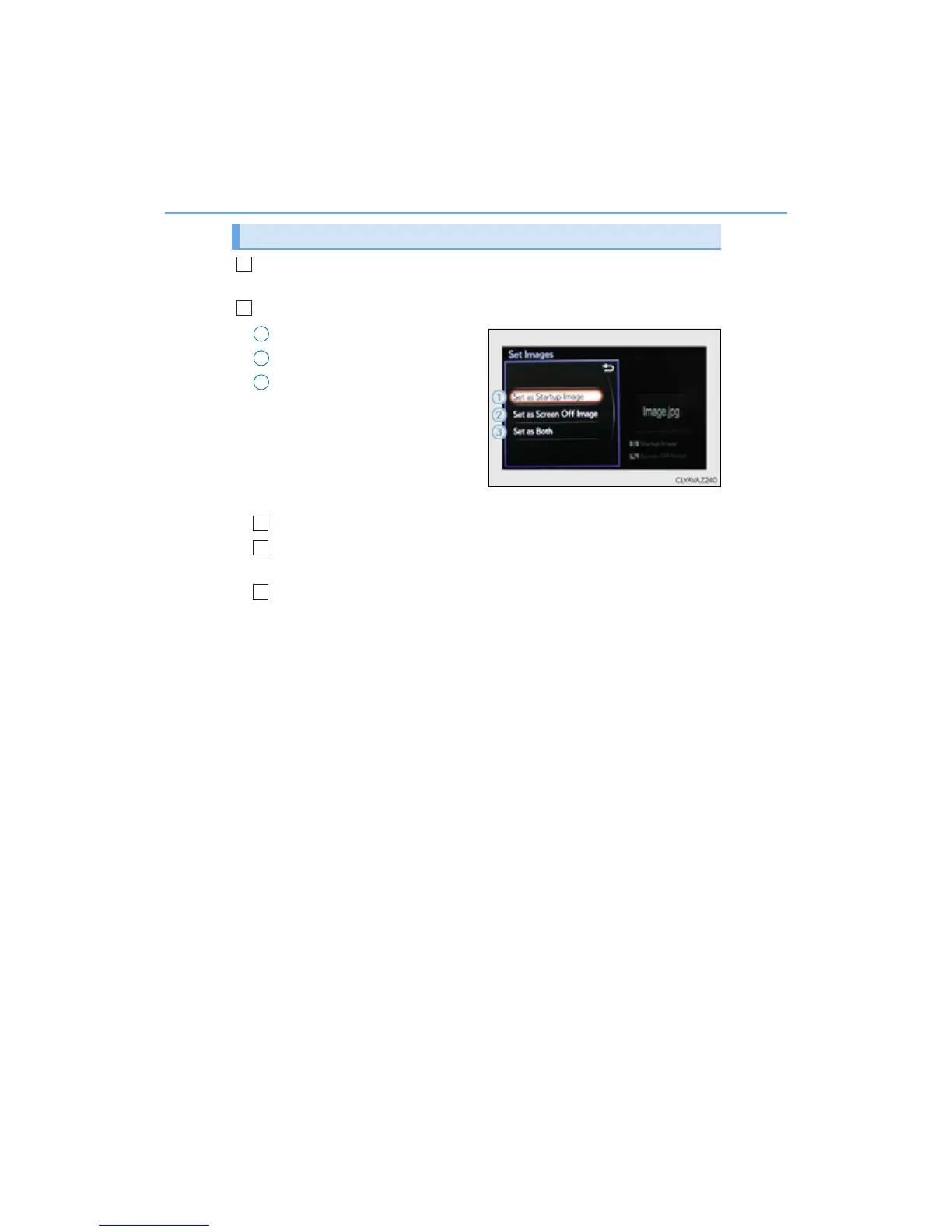
Select “Set Images” and then select the desired image.
Set as startup image.
Set as screen off image.
Set as startup image and screen
off image.
■ Adding an image
Connect a USB memory device. (P. 294)
Select “Copy from USB” on the “Customize Images” screen and then
select the desired image.
Move the controller to the left and then select “Copy”.
Up to 10 images can be downloaded.
■ Deleting images
Select “Delete Images” on the “Customize Images” screen and then select the
desired images.
Customizing images
1
2
1
2
3
1
2
3



 To Next Page