328
5-6. Using an external device
ES300h_OM_OM33B71U_(U)
■ iPod problems
To resolve most problems encountered when using your iPod, disconnect your iPod from
the vehicle iPod connection and reset it. For instructions on how to reset your iPod, refer
to your iPod Owner’s Manual.
■ Error messages
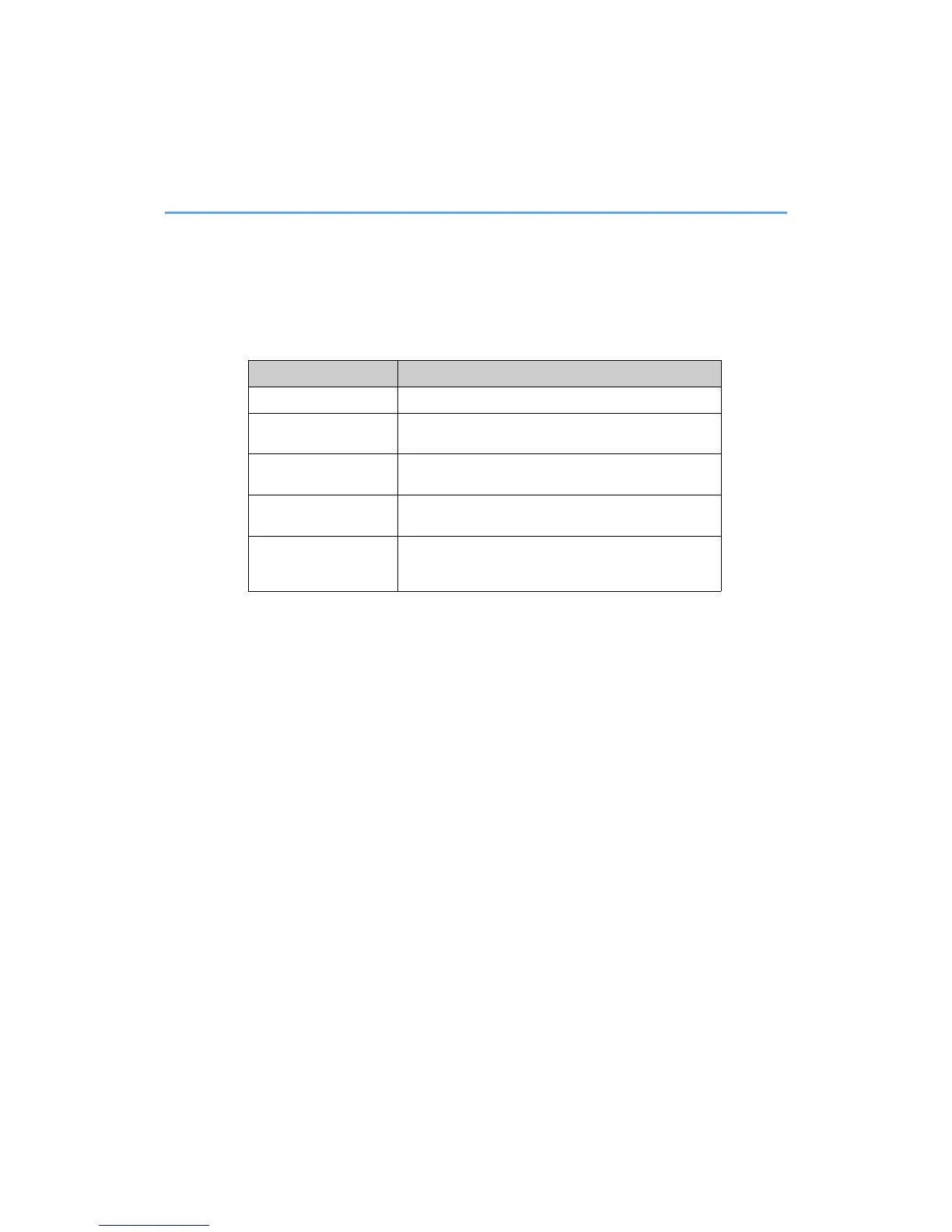
If the following error messages appear on the screen, refer to the table and take the
appropriate measures. If the problem is not rectified, take the vehicle to your Lexus
dealer.
Message Cause/Correction procedures
“Connection error.” This indicates a problem in the iPod or its connection.
“There are no songs
available for playback.”
This indicates that there is no music data in the iPod.
“No items available.”
This indicates that songs are not found in a selected playl-
ist.
“Please check the iPod
firmware version.”
This indicates that the software version is not compatible.
Please check the compatible models. (P. 329)
“iPod authorization
failed.”
This indicates that the Lexus Display Audio system failed
to authorize the iPod.
Please check your iPod.



 To Next Page