187
3-1. Using the air conditioning system and defogger
3
Interior features
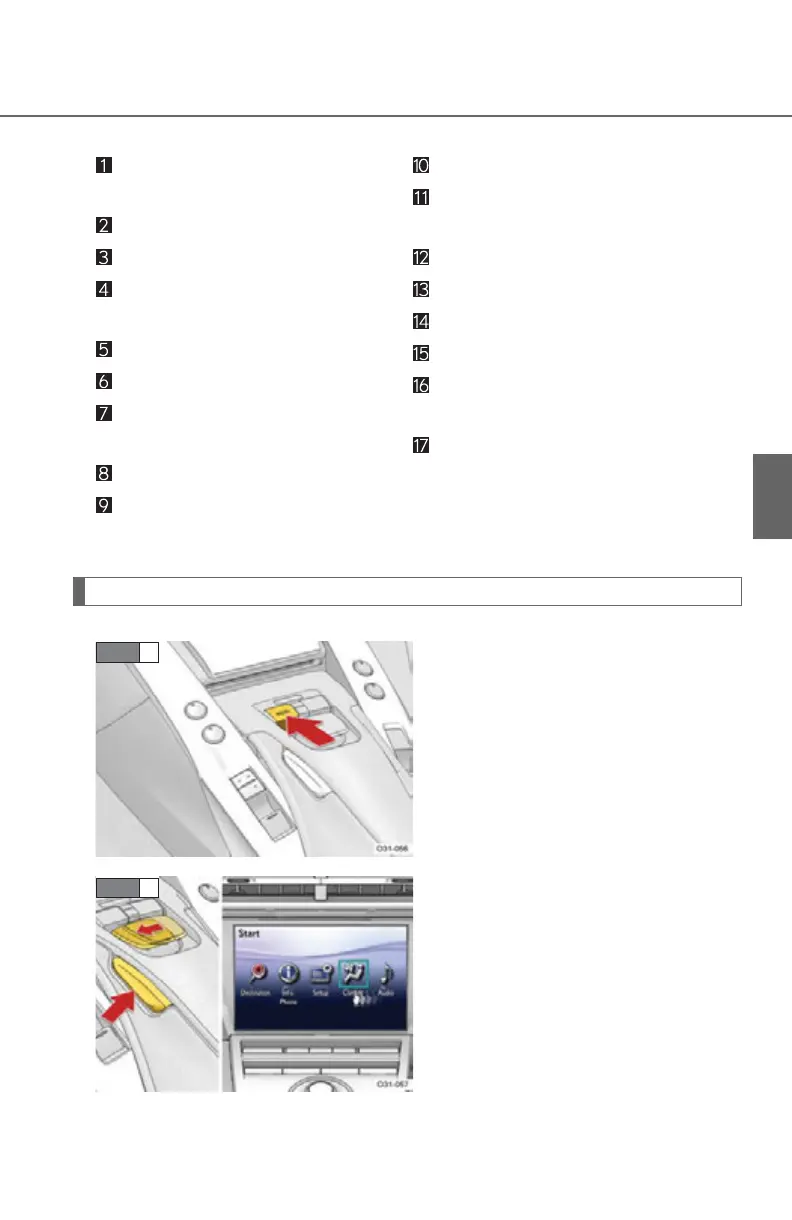
Displaying the operation screen
Press the “MENU” button.
Select “Climate” by operating the
Remote Touch knob and then
press the enter button.
Driver's side temperature dis-
play
Outside temperature display
Dual mode switch
Passenger’s side temperature
display
Air outlet switches
Fan speed control switches
Cooling and dehumidification
function on/off switch
Talk switch
Passenger's side temperature
control button
Automatic mode button
Outside/recirculated air mode
button
Enter button
Remote Touch knob
“MENU” button
Windshield defogger button
Driver’s side temperature con-
trol button
“OFF” button



 To Next Page