188
3-1. Using the air conditioning system and defogger
Using the automatic air conditioning system
Press .
The air conditioning system begins to operate. Air outlets and fan
speed are automatically adjusted according to the temperature setting.
Press on the driver’s side to increase the temperature and
to decrease the temperature.
When “DUAL” is selected on the operation screen (the indicator is on)
or the passenger's side temperature control button is pressed, the tem-
perature for the driver and passenger seats can be adjusted separately.
Adjusting the settings manually
■ Turning the cooling and dehumidification function on and off
Select “A/C” on the operation screen.
The air conditioning system turns on and off each time “A/C” is selected.
■ Adjusting the temperature setting
Press to increase the temperature and to decrease the tem-
perature.
When “DUAL” is selected on the operation screen (the indicator is on) or
the passenger’s side temperature control button is pressed, the tempera-
ture for the driver and passenger seats can be adjusted separately.
■ Adjusting the fan speed
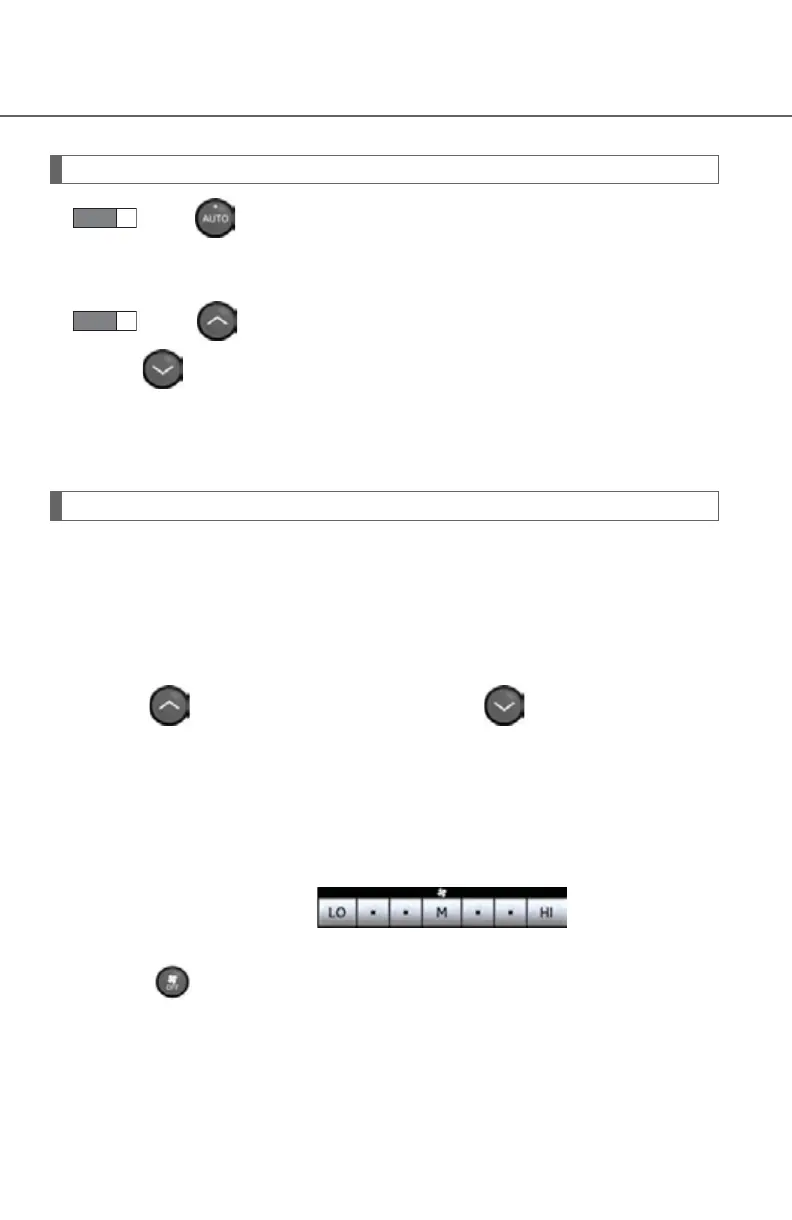
Select any switch of (decrease
increase) on the operation screen.
Press to turn the fan off.



 To Next Page