REPAIR MANUAL SUPPLEMENT: SMART KEY REGISTRATION – EL003-04 Revised June 24, 2004
Page 3 of 9
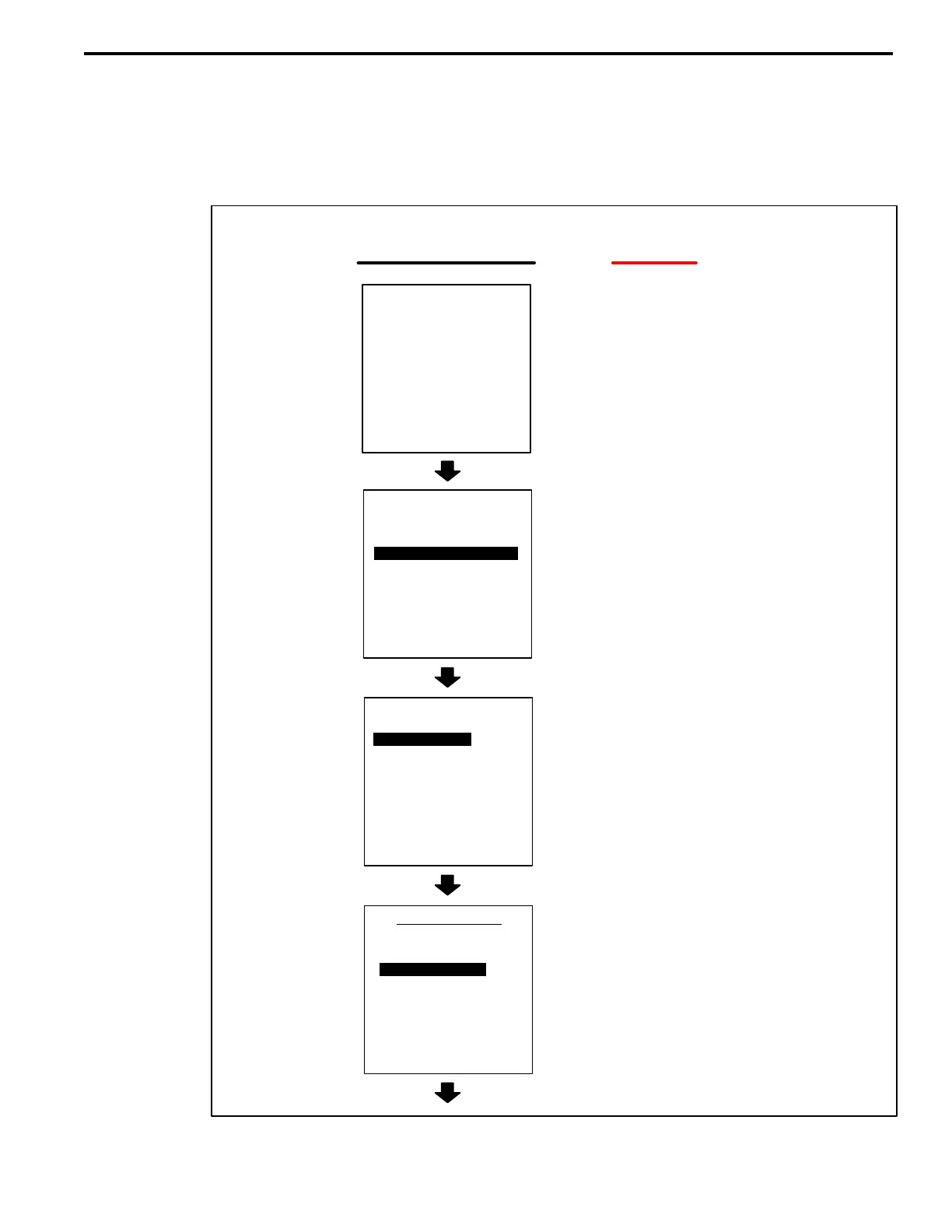
8. Register the Immobilizer function.
A. Follow the Diagnostic Tester screen flows below. This procedure works best if you
use the instructions under the “DO THIS” column and use the screen prints to
know WHEN to perform the instructions only.
B. Verify that a registered master key is in the key slot and the ignition is ON.
WHEN THIS
SCREEN APPEARS:
2: CUSTOMIZE
3: ECU REPROGRAM
FUNCTION SELECT
FOR NORTH AMERICA
*APPLICATION SELECT*
1: DIAGNOSIS
1: OBD/MOBD
2 ENHANCED OBD II
3: CARB OBD II
4: BREAK–OUT BOX
5: NVH
6: AUTOPROBE
7: 02 RPM CHECK
8: SNAPSHOT REVIEW
9: SETUP
0: GAS ANALYSIS
1: OBD/MOBD
DO THIS:
Press “ENTER”
Select “DIAGNOSIS”
Select “OBD/MOBD”
Select applicable vehicle
NEW VEHICLE
LAST VEHICLE
VEHICLE SELECT
2004 LS430
W/ SMART KEY
W/O LASER CRUISE
W/O R POWER SEAT
A
B
C
D
(Continued next page)
LAST VEHICLE
TOYOTA
DIAGNOSTIC TOOLSET
PROGRAM CARD
Version 13.2a
11/08/05
Press <ENTER>
Registration
Procedure:
Immobilizer
Function












 To Next Page