245
3-1. Using the touch screen
3
Interior features
Screen settings
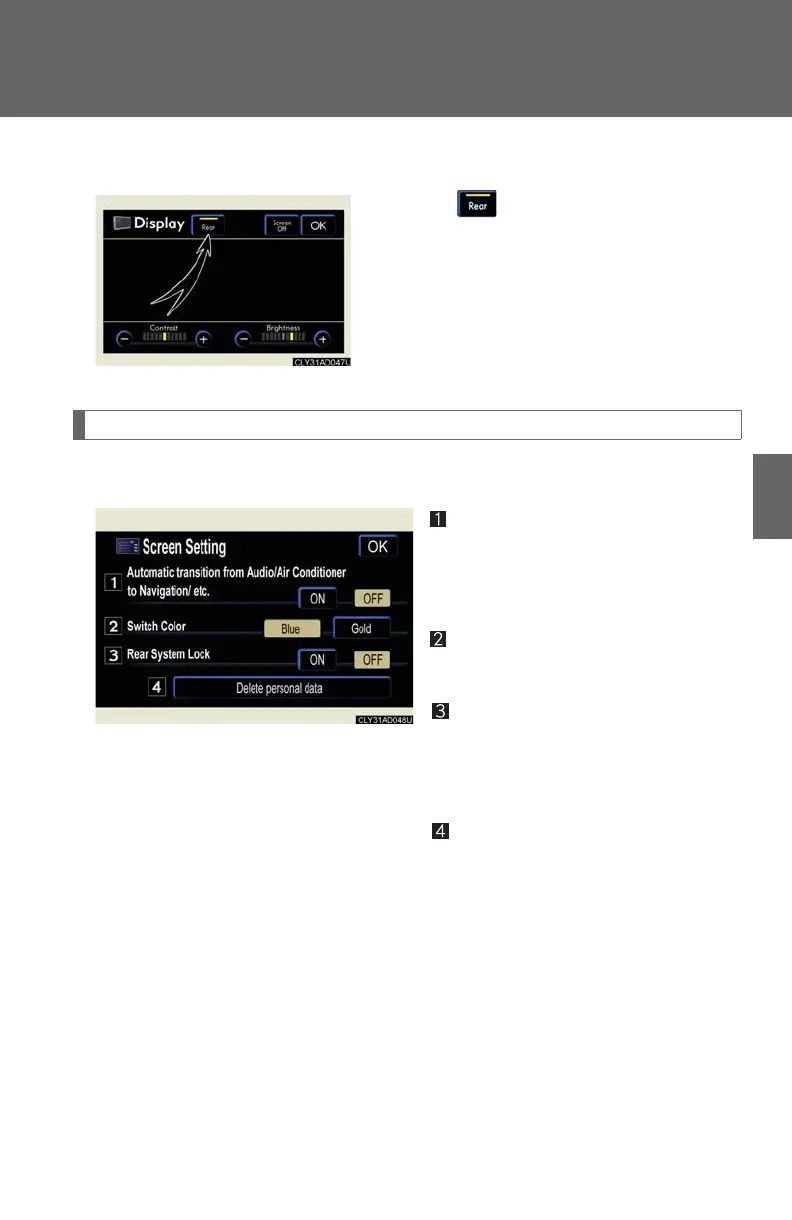
The following screen settings can be changed:
Automatic transition
20 seconds after audio system use,
the system will return the display to
the previous screen.
Switch color
You can select the switch color.
Rear system lock (if equipped)
The operation lock on the rear seat
entertainment system can be
turned on or off.
Personal data deletion
The following personal data is
deleted:
• User selection settings
•Phone book data
• Dialed numbers and received
calls
•Speed dial
• Bluetooth
®
phone data
•Security code
■ Opening or closing the rear display (if equipped)
Touching opens or closes the rear dis-
play.














 To Next Page