246
3-1. Using the touch screen
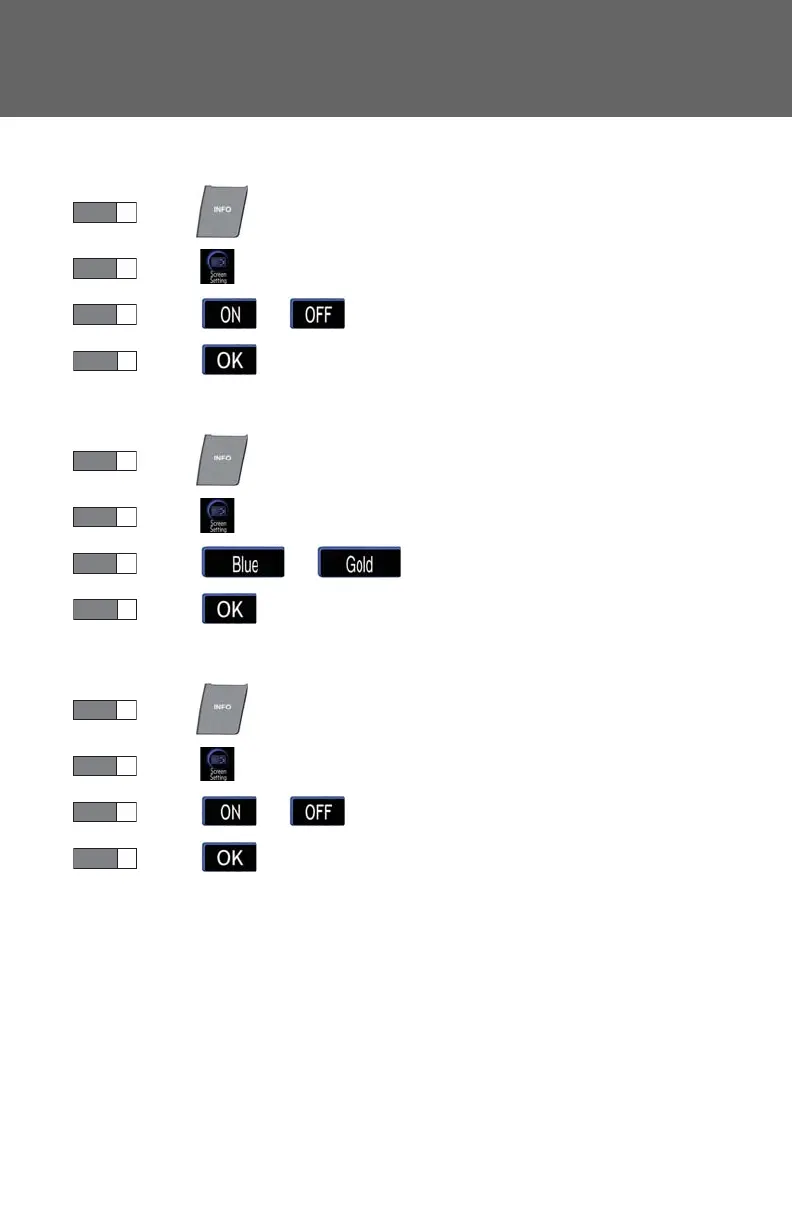
■ Setting automatic transition
Press .
Touch on the “Information” screen.
Touch or on the “Screen Setting” screen.
To u c h .
■ Setting the switch color
Press .
Touch on the “Information” screen.
Touch or on the “Screen Setting” screen.
To u c h .
■ Setting the rear system lock
Press .
Touch on the “Information” screen.
Touch or on the “Screen Setting” screen.
To u c h .














 To Next Page