386
3-4. Using the rear seat entertainment system
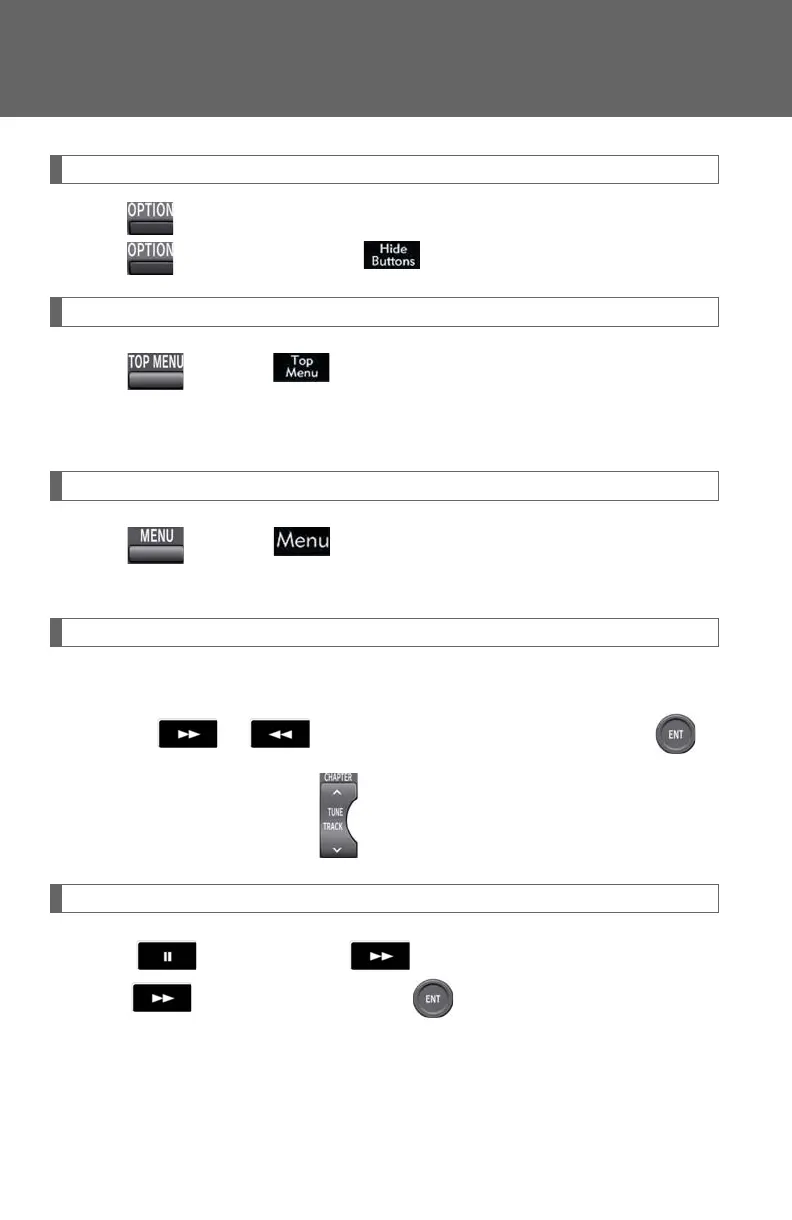
Turning on or off the control icons
Press to turn on the control icons.
Press once again or select to turn off the control icon.
Turning on the title selection screen
Press or select to turn on the title selection screen. For the
operation of the title selection screen, see the separate manual for the
DVD disc.
Turning on the menu screen (DVD video mode only)
Press or select to turn on the menu screen. For the opera-
tion of the menu screen, see the separate manual for the DVD disc.
Fast forwarding/reversing a disc
Perform either of the following:
● Select or on the screen by pressing and holding .
● Press and hold or on .
Slow playback
Select and then select . Video is played slowly when you
select by pressing and holding .














 To Next Page