387
3-4. Using the rear seat entertainment system
3
Interior features
Returning to the previous screen
Select to return to the previous screen. For the operation of the
menu screen, see the separate manual for the DVD disc.
Searching a desired screen
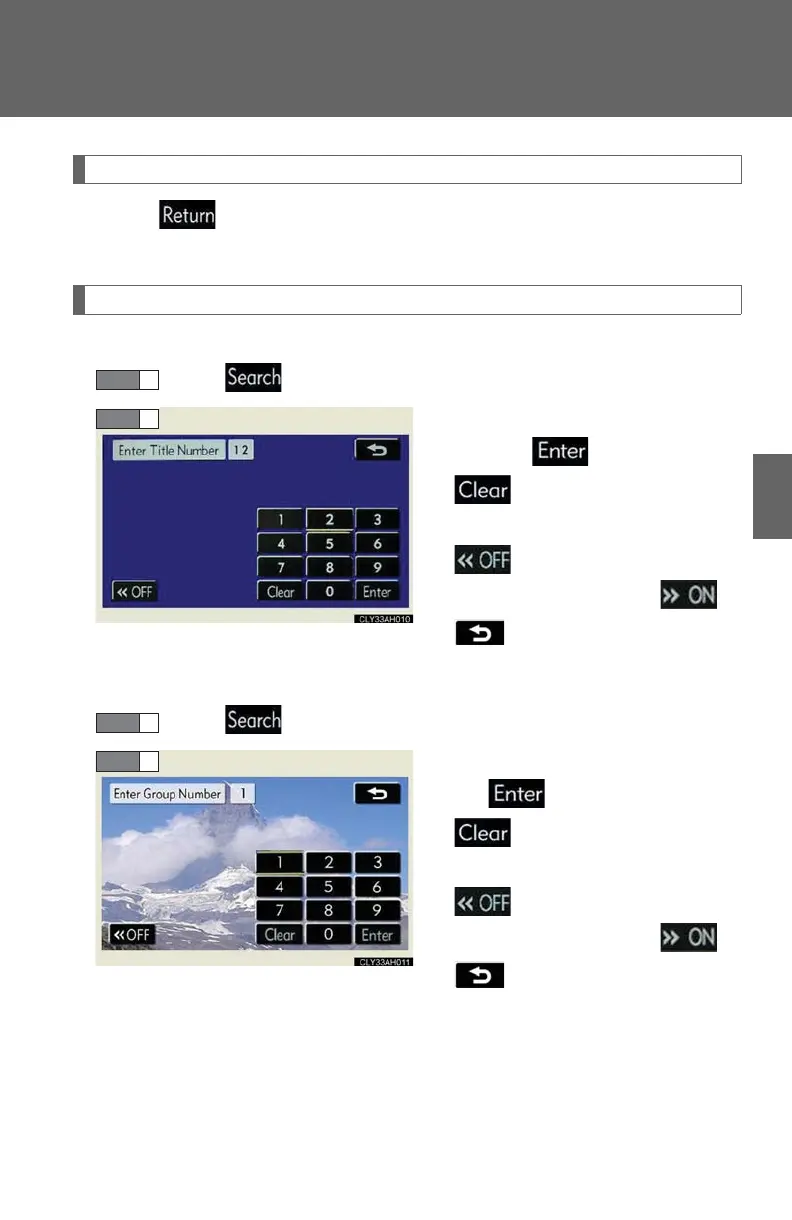
■ Searching by title (DVD video mode)
Select on the control icon screen.
Input the desired title number and
then select .
: deletes the last input
number
: hides the icons. To display
the icons, select .
: returns to the previous
screen
■ Searching by group (DVD audio mode)
Select on the control icon screen.
Input the group number and then
select .
: deletes the last input
number
: hides the icons. To display
the icons, select .
: returns to the previous
screen














 To Next Page