390
3-4. Using the rear seat entertainment system
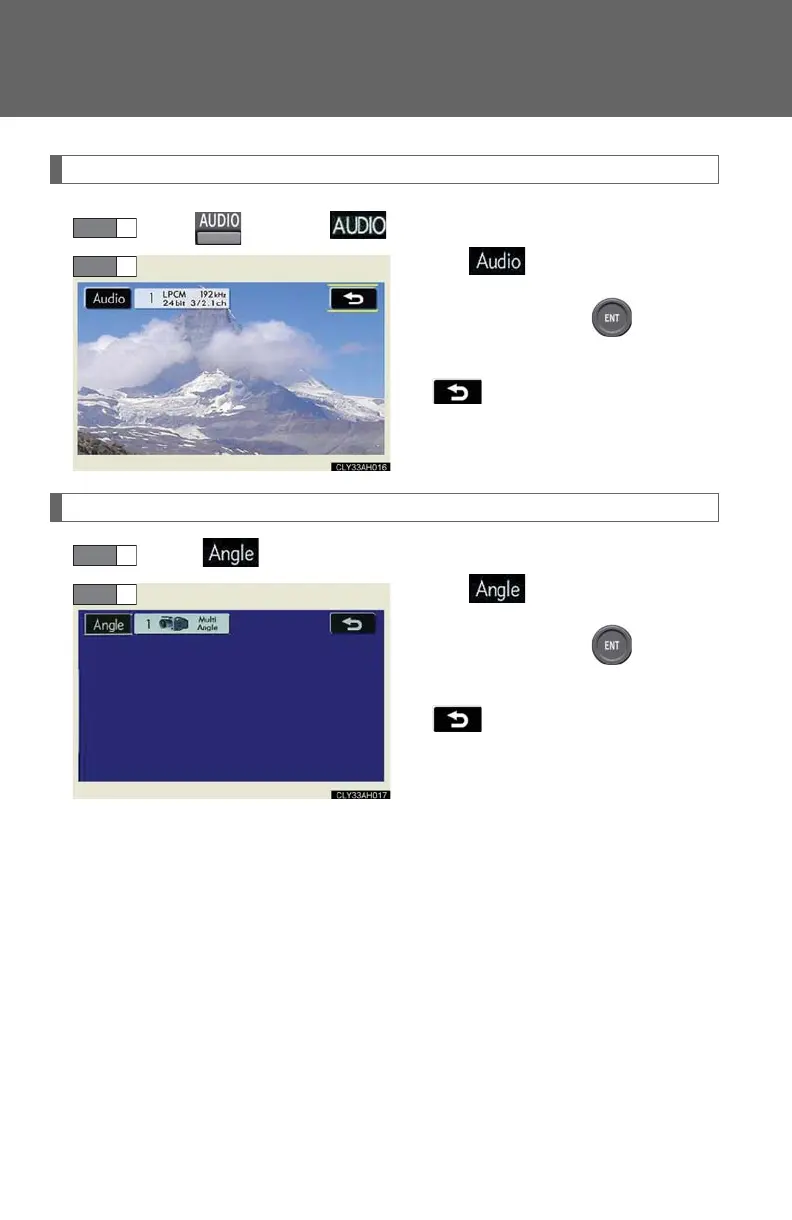
Changing the audio format (DVD audio only)
Press or select on the control icon screen.
Select .
Each time you press , the next
available audio format is selected.
: returns to the previous
screen
Changing the angle (If the angle option is available)
Select on the control icon screen.
Select .
Each time you press , the next
available angle is selected.
: returns to the previous
screen














 To Next Page