391
3-4. Using the rear seat entertainment system
3
Interior features
Initial DVD setup
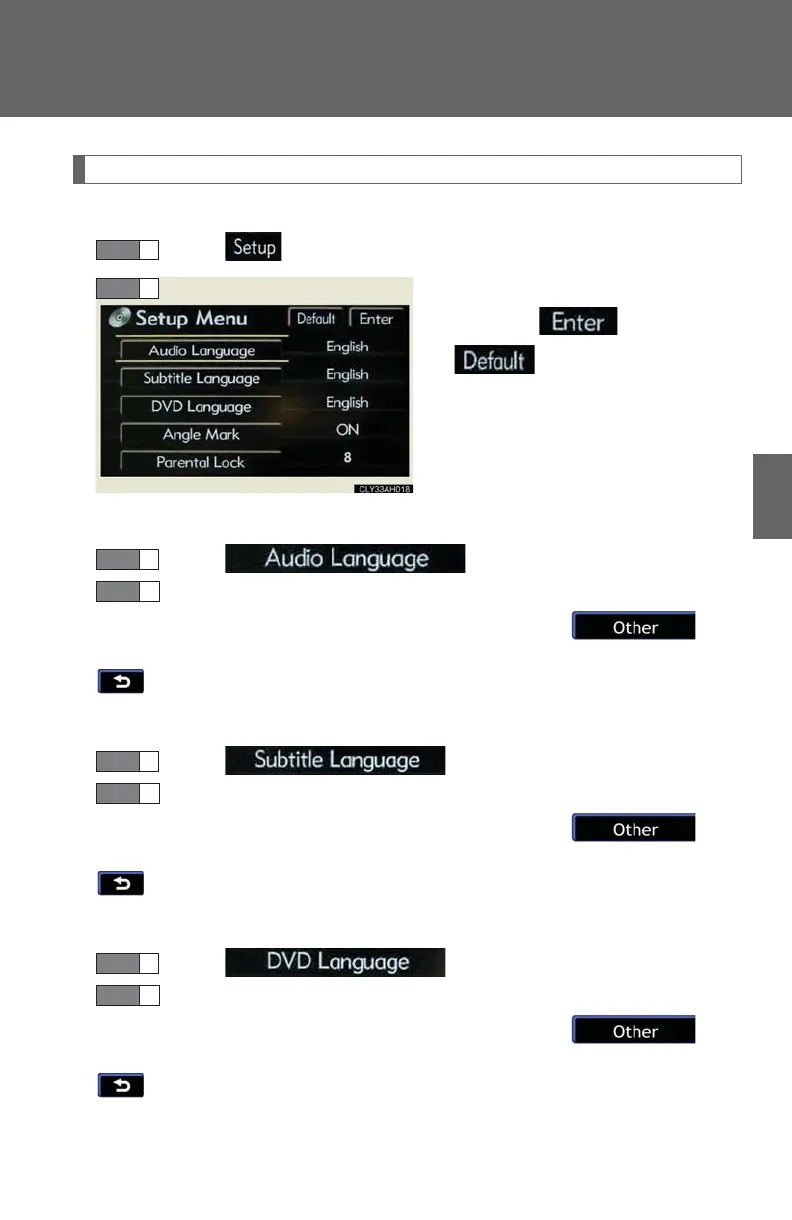
■ Displaying “Setup Menu” screen
Select on the control icon screen.
After you change the initial set-
tings, select .
: restores default settings
■ Setting audio language
Select on the “Setup Menu” screen.
Select the desired language.
If you cannot find the desired language, select and
input the desired language code. (P. 393)
: returns to the previous screen
■ Setting subtitle language
Select on the “Setup Menu” screen.
Select the desired language.
If you cannot find the desired language, select and
input the desired language code. (P. 393)
: returns to the previous screen
■ Setting menu language
Select on the “Setup Menu” screen.
Select the desired language.
If you cannot find the desired language, select and
input the desired language code. (P. 393)
: returns to the previous screen














 To Next Page