257
3-3. Using the audio system
3
Interior features
LS460_BRAZIL_08_(L/O_0712)
Playing DVD video/audio
For safety reasons, you can enjoy the visual contents of discs only when the
vehicle is completely stopped with the “ENGINE START STOP” switch in
ACCESSORY or IGNITION ON mode and the parking brake applied.
While you are driving, only audio contents may be played.
When a DVD video disc or DVD audio disc is inserted while driving, the
main story will automatically be played. However, some discs may not be
played automatically.
Insert a disc or press with a disc inserted.
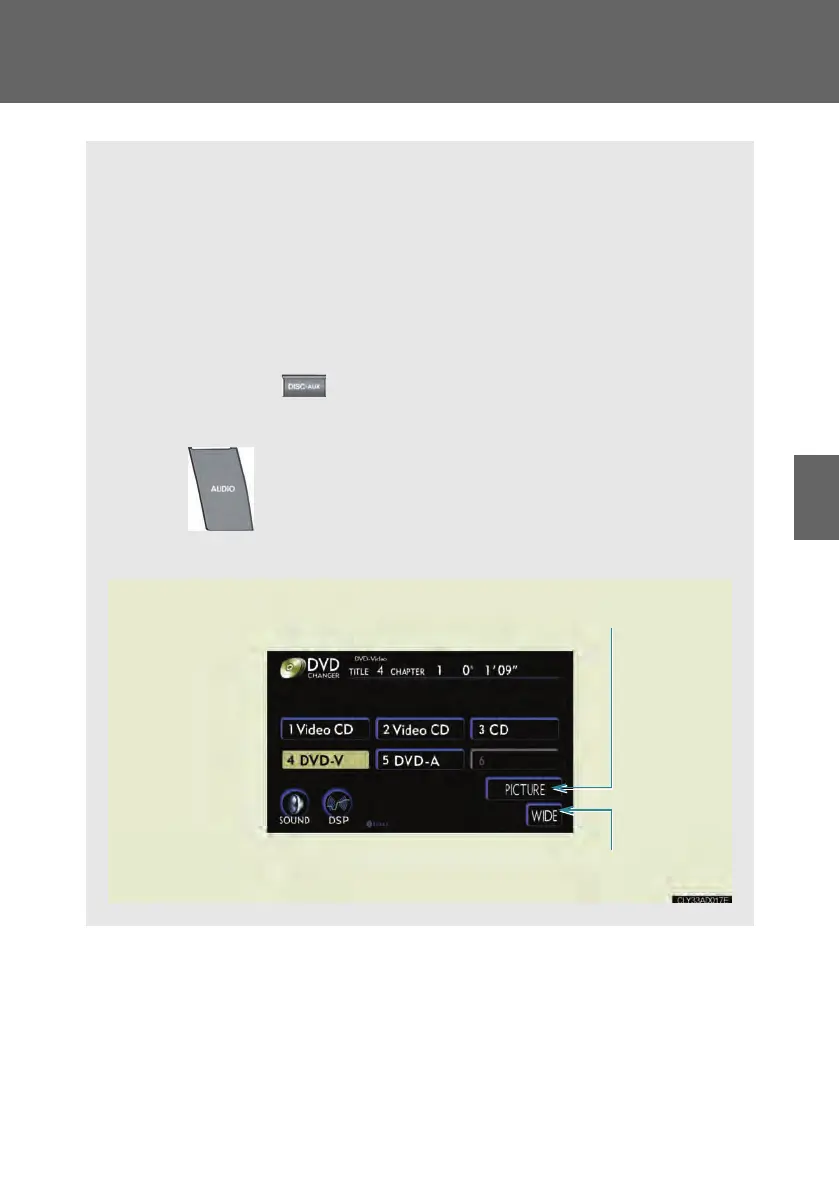
■ Video control screen
Press while the disc is playing, and the following screen
appears.
Return to video screen
Change screen mode (→P. 28 1)
LS460_BZ_08.book 257 ページ 2007年10月18日 木曜日 午前11時18分



 To Next Page