281
3-3. Using the audio system
3
Interior features
LS460_BRAZIL_08_(L/O_0712)
■ Turning the surround ON or OFF (with DVD player only)
Touch or .
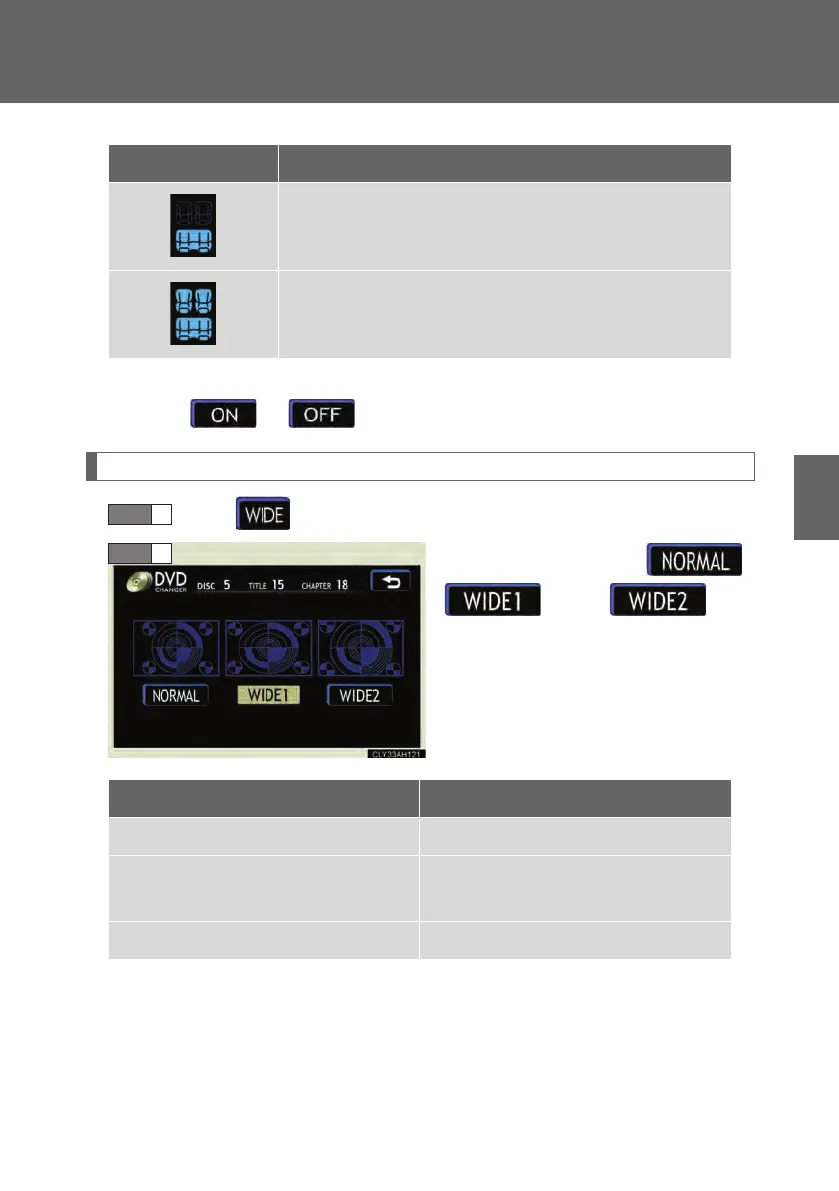
Setting the screen ratio mode (with DVD player only)
Touch on the screen.
Touch one of ,
or to
match the screen ratio printed on
the DVD.
Display Listening position
Position best suited to the rear seats
Position best suited to all seats
STEP 1
STEP 2
Screen ratio mode Details
NORMAL Suitable for 4:3 screen ratio
WIDE1
Expands the normal screen
horizontally to fill the display
WIDE2 Suitable for 16:9 screen ratio
LS460_BZ_08.book 281 ページ 2007年10月18日 木曜日 午前11時18分



 To Next Page