286
3-3. Using the audio system
LS460_BRAZIL_08_(L/O_0712)
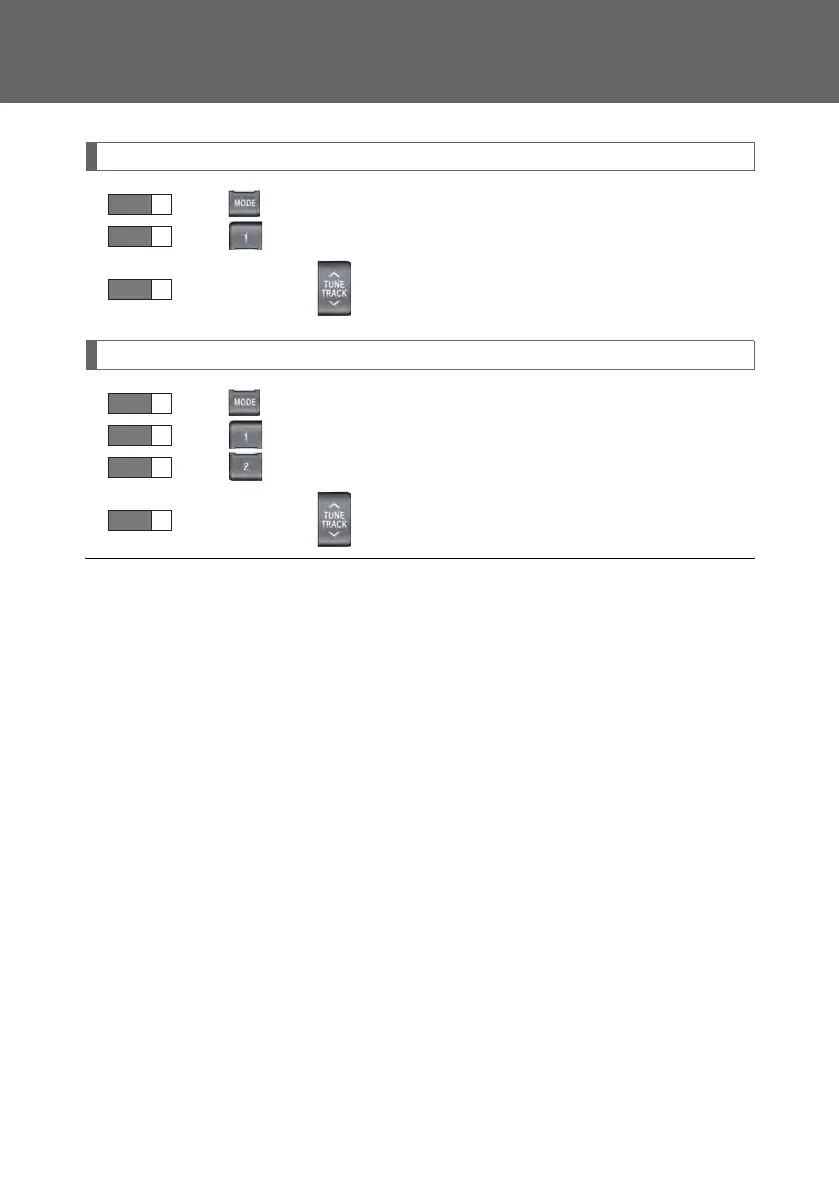
Selecting a track (audio CD or DVD audio) or chapter (video CD or DVD video)
Press to select the DVD changer.
Press (DISC) to select a disc.
Press ∧ or ∨ on to select a track or chapter.
Selecting a file (MP3 CD or WMA CD)
Press to select the CD changer or DVD changer.
Press (DISC) to select a disc.
Press (FOLDER) to select a folder.
Press ∧ or ∨ on to select a file.
■ Button lock function
To prevent inadvertent operation, some buttons on the rear armrest can be locked.
(→P. 2 26 )
■ Rear control panel illumination off function
Control panel illumination on the rear armrest can be turned off. (→P. 2 27)
■ When ERROR, WAIT or NO MUSIC is shown on the display
(→P. 242)
STEP 1
STEP 2
STEP 3
STEP 1
STEP 2
STEP 3
STEP 4
LS460_BZ_08.book 286 ページ 2007年10月18日 木曜日 午前11時18分



 To Next Page