319
3-4. Using the rear seat entertainment system
3
Interior features
LS460_BRAZIL_08_(L/O_0712)
Selecting a desired screen
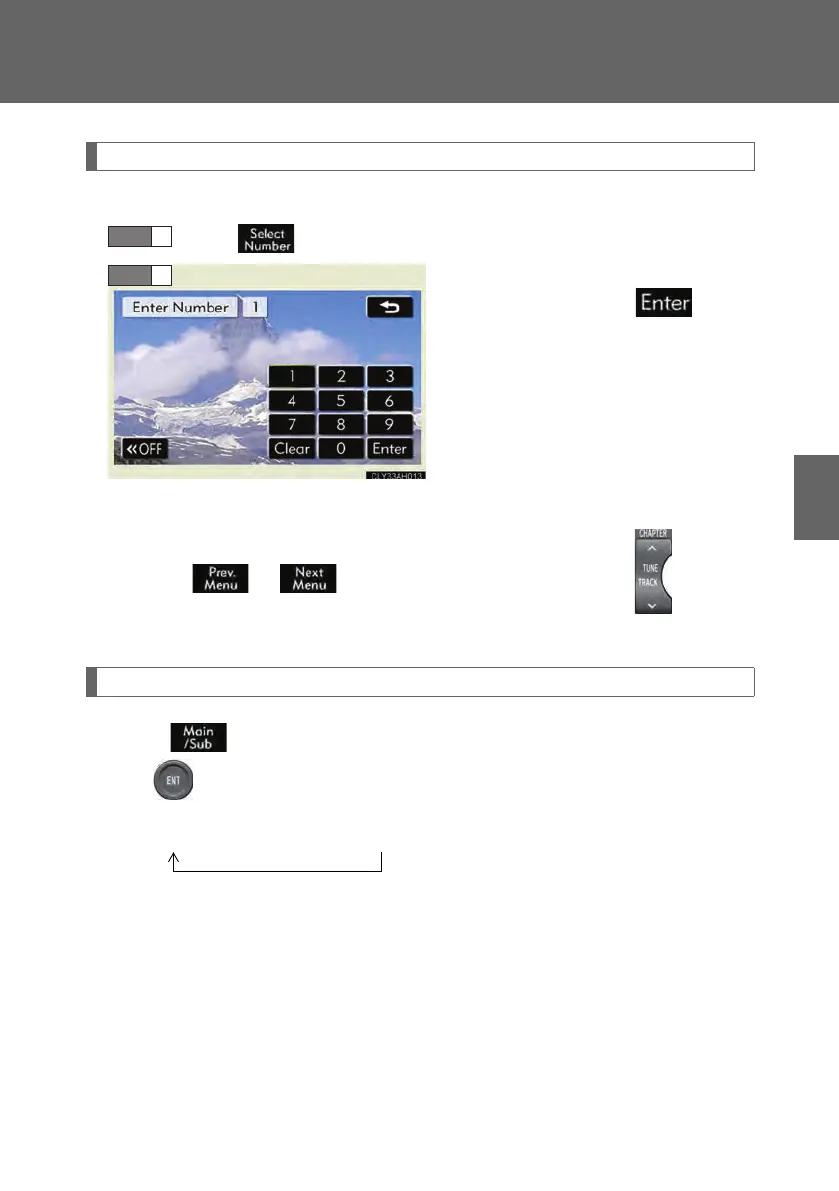
■ Selecting a menu number
Select on the control icon screen.
Input the desired menu number on
the screen and select .
■ Searching manually
Select or on the screen, or press ∧ or ∨ on until the
desired screen appears.
Changing the sound-multiplex mode
Select on the control icon screen. The mode cycles through each
time is selected.
“Main” → “Sub” → “Main/Sub”
STEP 1
STEP 2
LS460_BZ_08.book 319 ページ 2007年10月18日 木曜日 午前11時18分



 To Next Page