143
3-2. Opening, closing and locking the doors
3
Operation of each component
RX450h_U_OM0E023U
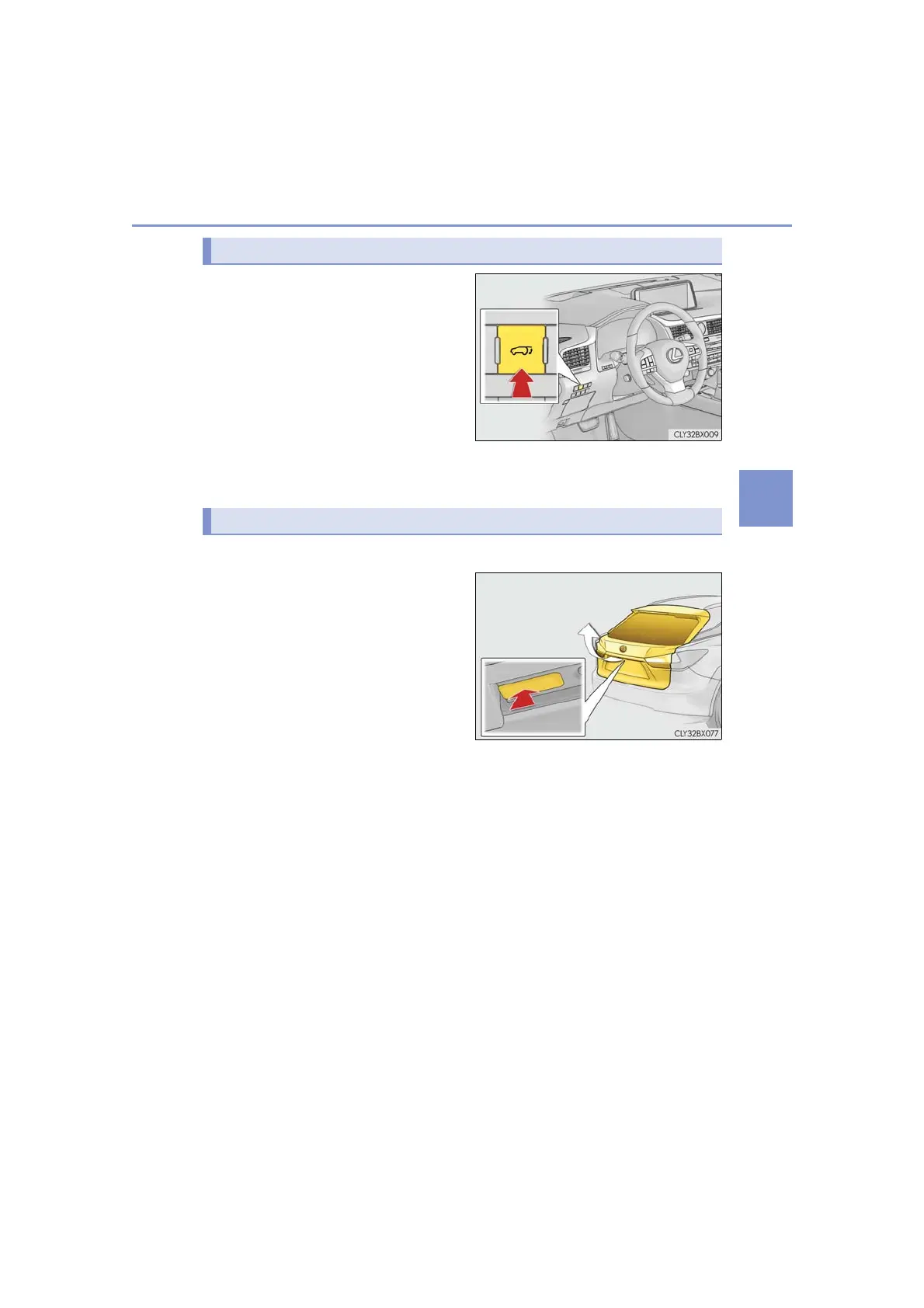
Press and hold the switch for approxi-
mately 1 second.
A buzzer will sound and the power back
door will automatically open or close.
However, if the power back door is
locked, it will not open.
Pressing the switch while the power
back door is opening/closing will stop
the operation.
Pressing and holding the switch again
for approximately 1 second will operate
the power back door in the opposite
direction.
■ Back door opener switch
When the power back door is
unlocked: Press the back door
opener switch.
When the power back door is
locked: While carrying an elec-
tronic key, press and hold the back
door opener switch.
A buzzer will sound and the power
back door will automatically open.
Pressing the switch while the power back door is opening/closing will stop the
operation.
■ Wireless remote control
→P. 142
Opening/closing the power back door from the inside
Opening the power back door from the outside













 To Next Page