102
3-2. Opening, closing and locking the doors
■ Smart access system with
push-button start
Carry the electronic key to enable this
function.
1 Locks all the doors
Check that the door is securely locked.
2 Unlocks all the doors
The doors cannot be unlocked for 3 sec-
onds after the doors are locked.
■ Wireless remote control
P.95
■ Door lock switch
P.99
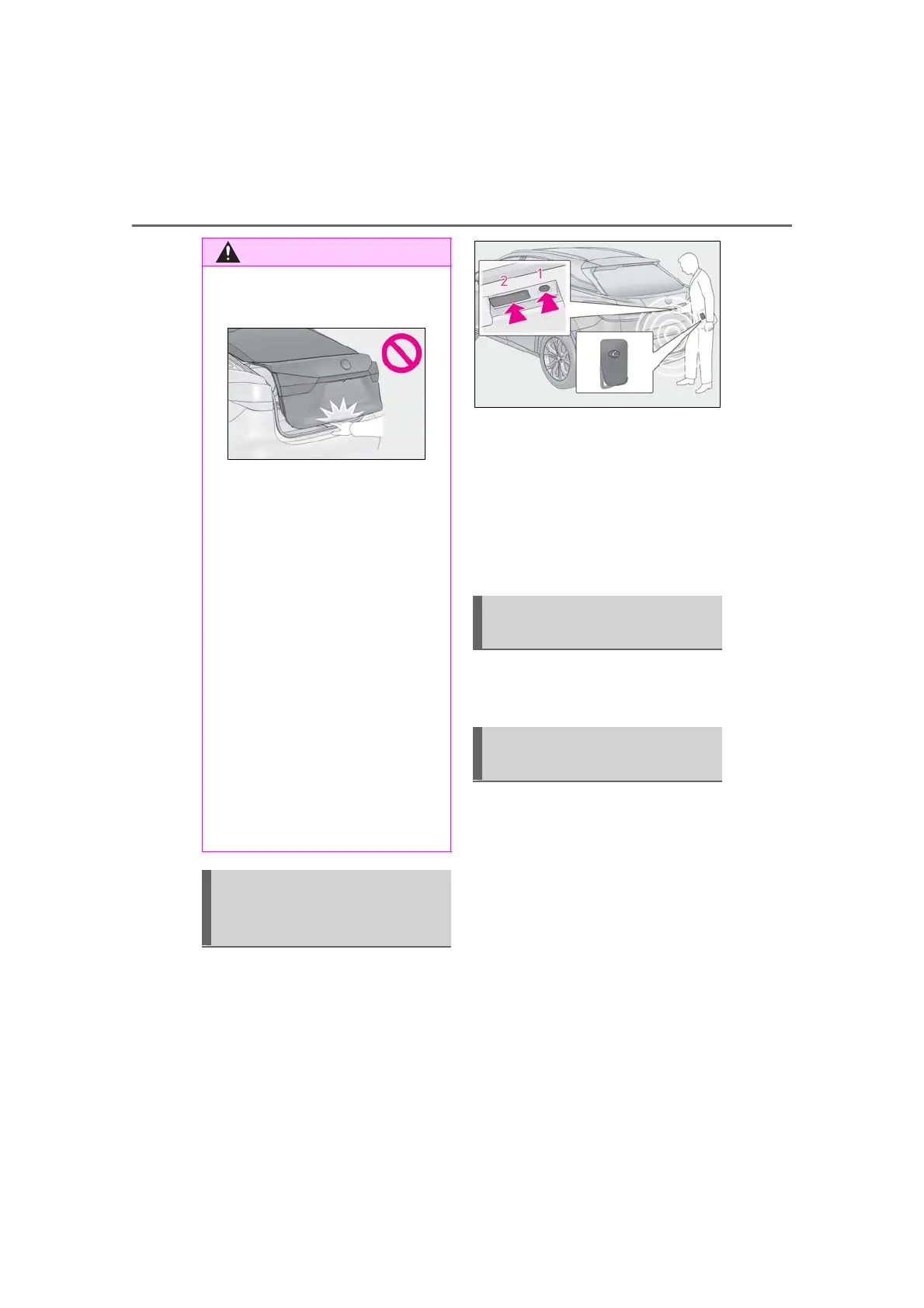
■ Opening/closing the power back
door using the wireless remote
control
Press and hold the switch for approxi-
mately 1 second.
The power back door can be operated
whether it is locked
*
or unlocked.
Pressing the switch while the power back
door is opening/closing will stop the oper-
ation.
Pressing and holding the switch again for
approximately 1 second will operate the
power back door in the opposite direction.
● When closing the power back door,
take extra care to prevent your fingers,
etc., from being caught.
● When closing the power back door,
make sure to press it lightly on its outer
surface. If the back door handle is used
to fully close the power back door, it
may result in hands or arms being
caught.
● Do not pull on the back door spindle
(P.110) to close the power back
door, and do not hang on the back
door spindle.
Doing so may cause hands to be caught
or the back door spindle to break, caus-
ing an accident.
● If a bicycle carrier or similar heavy
object is attached to the power back
door, it may suddenly shut again after
being opened, causing someone’s
hands, arms, head or neck to be
caught and injured. When installing an
accessory part to the power back
door, using a genuine Lexus part is
recommended.
Unlocking and locking the
power back door from the out-
side
Unlocking and locking the
power back door from the inside
Opening/closing the power back
door



 To Next Page