90
2-1. Instrument cluster
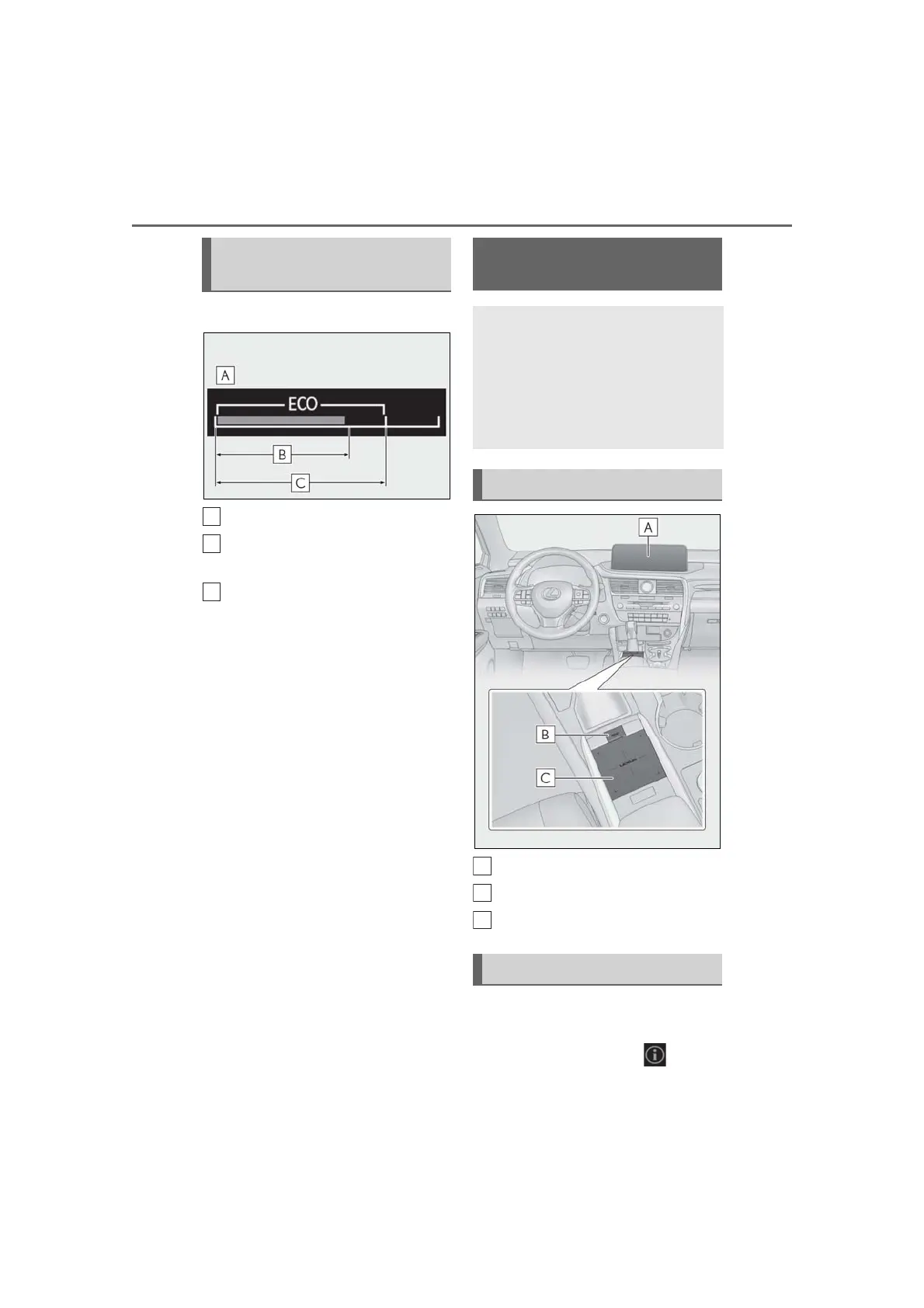
■ Eco Driving Indicator
Eco Driving Indicator Zone Display
Eco driving ratio based on acceler-
ation
Zone of Eco driving
Displayed content is the same as that dis-
played on the multi-information display
(Eco Driving Indicator). For details, refer to
P.81.
■ Tachometer
Displays the engine speed in revolu-
tions per minute.
Center Display
“MENU” button
Touchpad
■ Trip information
Press the “MENU” button on the
Remote Touch, then select on the
Eco Driving Indicator/Tachome-
ter
Fuel consumption informa-
tion
Fuel consumption information can
be displayed on the Center Display.
Vehicles with a 12.3-inch display:
The fuel consumption information
can be displayed and operated on
the side display.
System components
Consumption



 To Next Page